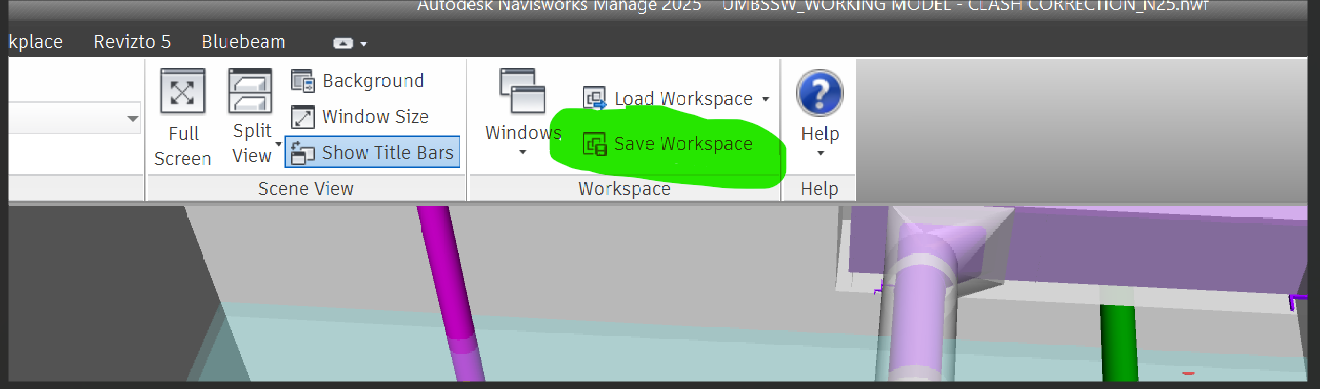
I am trying to get the Workspaces tool working in Revit 2025, but the “Drawing Set” panel and the Workspaces button are completely missing from my ribbon.
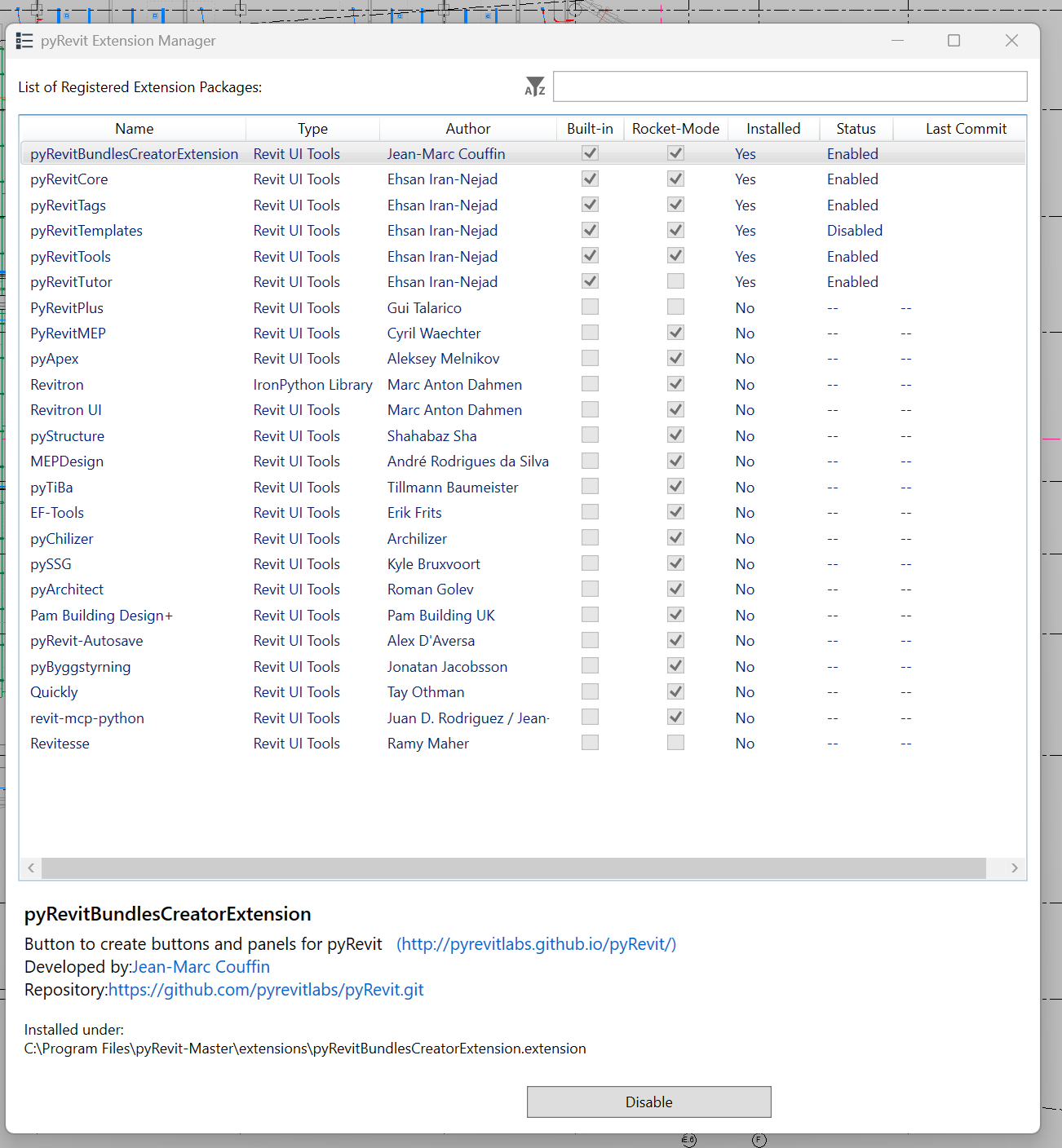
The pyRevitWorkshop extension does not appear in my Extension Manager.
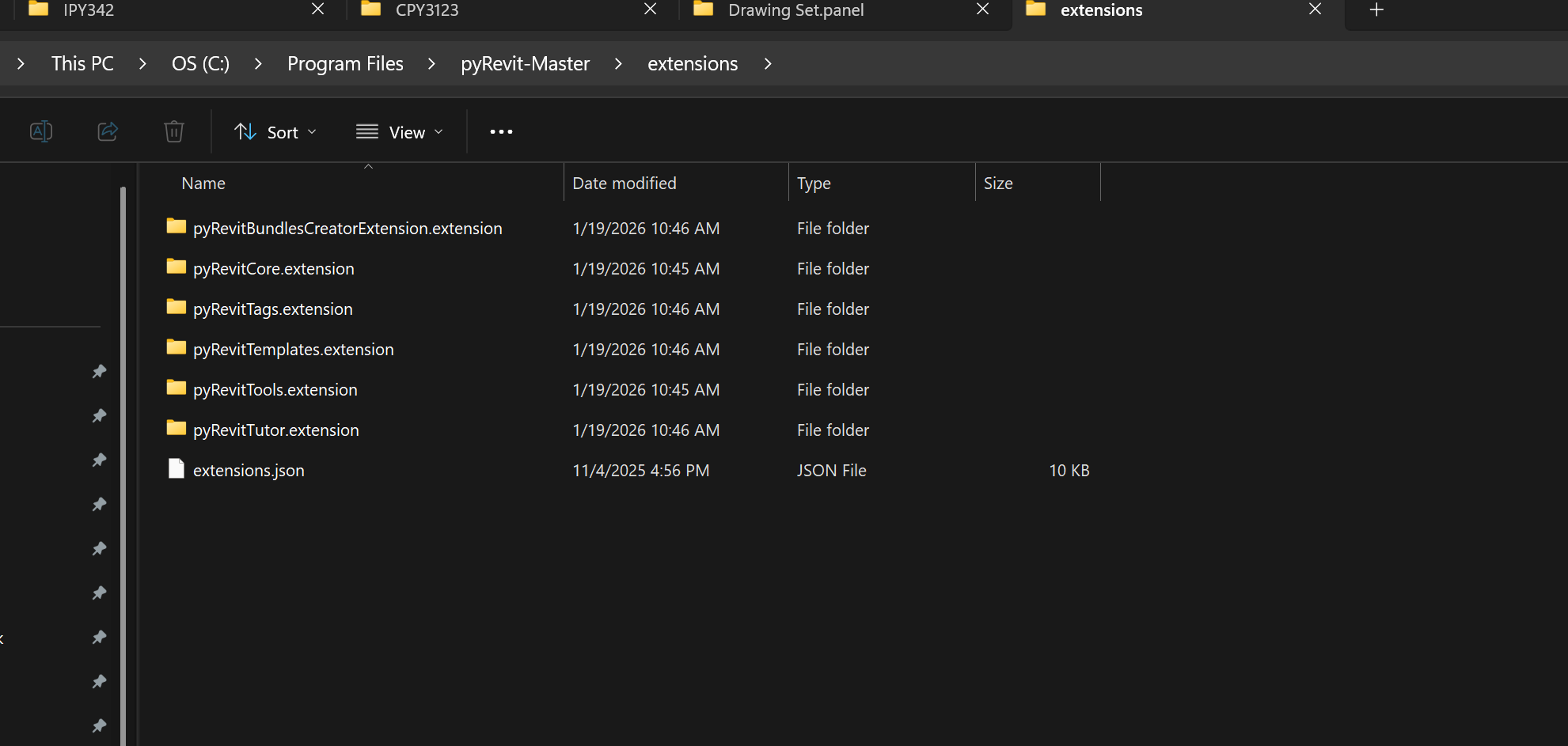
I checked my \extensions folder, and the pyRevitWorkshop.extension folder is physically missing from the directory.
I tried running pyrevit extensions extend workshop in the CLI, but it just returns the standard “Usage/Help” menu and doesn’t download anything.
I searched the latest GitHub Master ZIP, and I can’t find the Workspaces.pulldown folder in the expected paths.
4. I searched the latest GitHub Master ZIP, and I can’t find the Workspaces.pulldown folder in the expected paths.
How can I manually add the Workshop extension back into a Revit 2025 install so I can use the Workspaces tool? Is there a specific repo I should be cloning for the Workshop tools in v5?
(Note: I’ve already checked and “Minify UI” is disabled.)
Hello! I was led this direction from the usual chatbot suspects. We have three users working from a central model. The main thing I want to do is have Revit open to the last views that I used not the last views of the last user to sync. I typically have at least a floor plan, two sections and a 3D open. Does a workaround exist to achive this easily? It would be great if there was a checkbox system on the “Starting View” dropdown.
You can vote for the idea to be implemented natively here:
What may also work is creating a hook, that on doc closing saves the open views to a datafile using
and restores them with another hook on opening. The Synchronize command in the pyRevit Toggles Panel does sth similiar. Maybe drop that into an AI of your choice to start with?
Maybe I’ll try this Notion thing eventually but the terms AI and hook already do not inspire confidence. It took me 1.5 hours yesterday to get pyRevit running and another hour chasing down a fictitious feature. I’ll just deal with it for now like everybody else. Thanks tho