I’ve been a longtime pyRevit user, but I just used AI to build my first extension. It solves a problem I’ve ran into many times, and now that it’s working so well, I’d love to share it with everyone. The catch is, I’m an architect, not a developer, so I’m not sure about the best way to do that.
My extension searches for all the textures in a project and relinks them, even if they’re in different folders. It works extremely well and is incredibly fast, and I’d be surprised if I’m the only one who has ever dealt with this issue!
So, I have two main questions for the community:
Would anyone be willing to look over the code and make sure it’s good enough to share? (After all, it was created with the help of AI!)
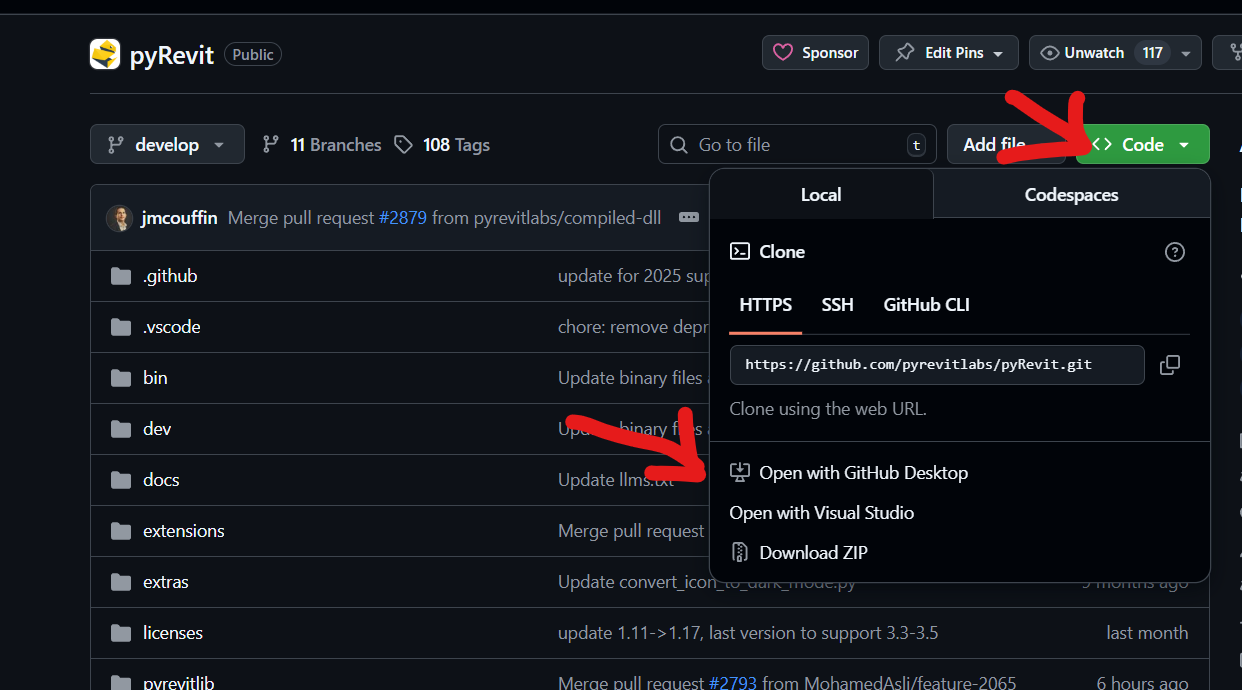
Could you point me in the right direction on how to best share it (e.g., a zip file, GitHub)?
Who do you want to share it with? Team, general public, as a pyrevit tool in the main toolset, as separate extension but listed in the list of extensions available within pyrevit?
Pretty cool vid and tool
Allow a couple of days before I can have a look and review.
First thing I may propose us review the UI UX, having a single window and no need to reopen the tool
Thank you,
Yes, the need to reopen the tool was a sacrifice I couldn’t solve, since I used AI to build it, and it kept having issue with 2 functions one button, I decided to concentrate on the functionality of the tool, and not continue struggling with the UI/UX - it does only take another second after all.
But Yes, if anyone care to improve it, I do not have any objection.
Im just happy it saved me so much time, and hopefully Im not the only one who this can help to.
And I cant wait to build more tools to solve more annoying issues
I think this could be part of the base tools of pyRevit.
I don’t know how much you are familiar with the whole PR/github shabang, if not I could make the PR for you.
Im assuming you are talking about adding it to the pyRevit repo,(I might be completely off), but I know how to create pull request for my own projects, sending it from my IDE to github, not sure how to create it in a project I dont own - but since I want to try and make more contributions, I should probably learn.
In the meantime, yes, if you could create it for me that would be great.
Thank you
Hi @AntonioRojas01
I’ve been using all kind of methods, but it was never working perfectly, your method is not always great if you go meet a client in their location for example, so there is also an option to use same folder path and add that path to Revit’s settings, but that also doesnt work every time.
This plugin doesn’t require any git/cli knowledge - as it is right now - its just dropping the files in the right folder and reload pyRevit - and it relink everything even if the textures are in a different folder.
As I said, it solved a problem for me, not for everyone, and Im just sharing it
Fun fact, most people in this community are architects, engineers and Design technologists. That’s the point of pyrevit as a RAD tool where it makes software improvements for revit more open and accessible to the community.
Also most of us uses AI but then we are continuously trying to learn in parallel.
Looking forward to see your contributions more here. and on Github.