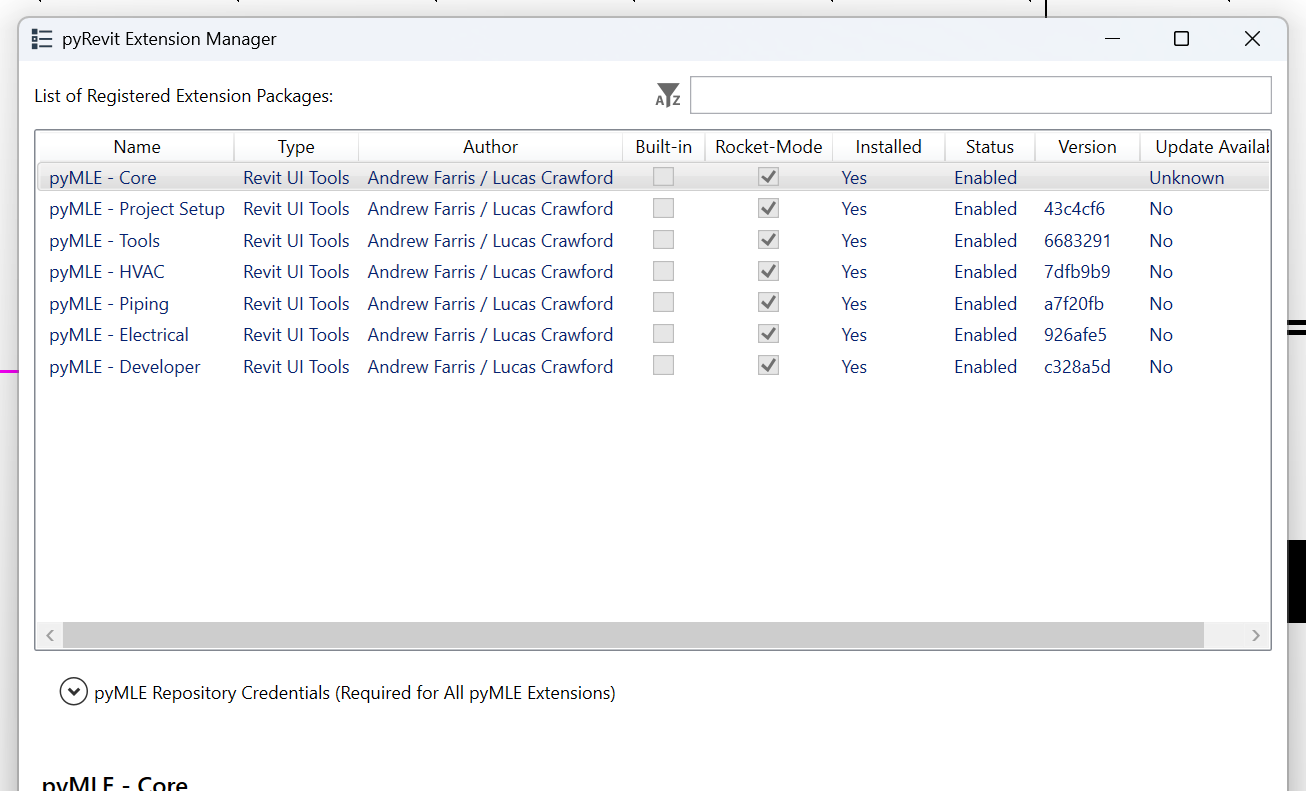
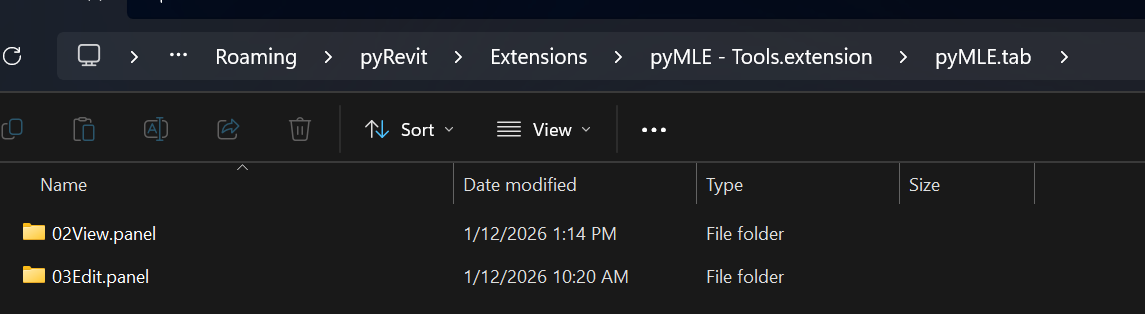
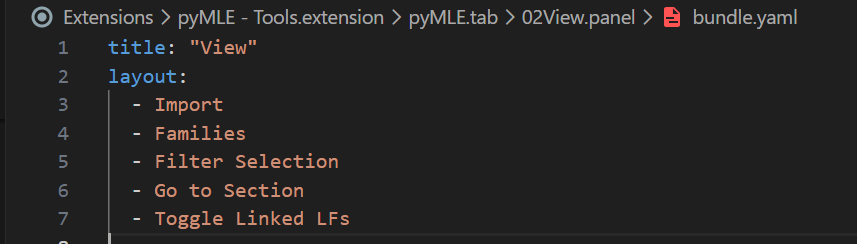
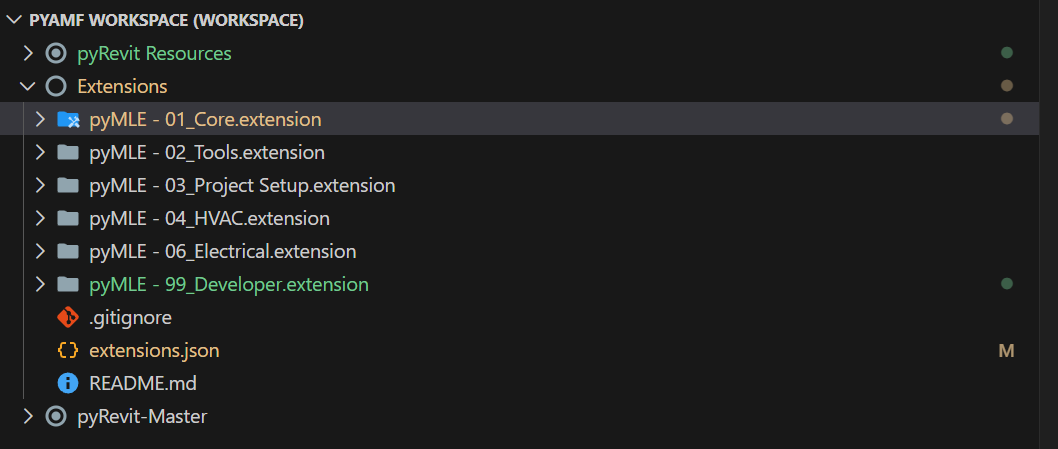
No idea if this is what you mean, but this would be the AI answer of deepwiki, maybe that can help?
Based on the pyRevit codebase, the issue you’re experiencing is that panels from multiple extensions are being ordered alphabetically by extension name. To control the order of panels across extensions, you need to use layout directives in your panel’s bundle.yaml file.
Solution
Add layout directives to your panel’s bundle.yaml file to specify its position relative to other panels. The sort_pyrevit_ui() function processes these directives to reorder panels 1 .
Example bundle.yaml for reordering:
# In pyMLE - Tools extension, for the View panel:
name: View
layout:
  before: "PanelNameToComeAfter"  # Panel should come before this panel
Or to place a panel at the beginning:
# In pyMLE - Tools extension, for the View panel:
name: View
layout:
  beforeall: true  # Panel should come before all others
How it works
- When pyRevit loads extensions, it calls
sort_pyrevit_ui() after creating all UI elements 2
- This function iterates through all pyRevit tabs and processes layout directives found in bundle files
- For each directive, it calls the appropriate reorder method on the tab object:
reorder_before() - places panel before another panel 3reorder_after() - places panel after another panel 4reorder_beforeall() - places panel at the beginning 5reorder_afterall() - places panel at the end 6
Implementation steps
- Identify the exact panel names you want to reorder (use the
ui_title from bundle.yaml or the directory name)
- Add layout directives to the bundle.yaml files of panels that need reordering
- Reload pyRevit for changes to take effect
The panel names used in directives should match the ui_title or directory name of the target panels 7 .
Notes
- Layout directives only work on panels within the same tab
- The reordering happens after all extensions are loaded, so it works across multiple extensions
- Make sure to use the exact panel names as they appear in the UI or bundle files
- This approach is more reliable than numbering folders since it uses pyRevit’s built-in layout system
Wiki pages you might want to explore:
Citations
File: pyrevitlib/pyrevit/loader/uimaker.py (L689-722)
def update_pyrevit_ui(ui_ext, ext_asm_info, create_beta=False):
    """Updates/Creates pyRevit ui for the extension and assembly dll address.

    Args:
        ui_ext (GenericUIContainer): UI container.
        ext_asm_info (AssemblyInfo): Assembly info.
        create_beta (bool, optional): Create beta ui. Defaults to False.
    """
    mlogger.debug('Creating/Updating ui for extension: %s', ui_ext)
    cmp_count = _recursively_produce_ui_items(
        UIMakerParams(current_ui, None, ui_ext, ext_asm_info, create_beta))
    mlogger.debug('%s components were created for: %s', cmp_count, ui_ext)


def sort_pyrevit_ui(ui_ext):
    """Sorts pyRevit UI.

    Args:
        ui_ext (GenericUIContainer): UI container.
    """
    # only works on panels so far
    # re-ordering of ui components deeper than panels have not been implemented
    for tab in current_ui.get_pyrevit_tabs():
        for litem in ui_ext.find_layout_items():
            if litem.directive:
                if litem.directive.directive_type == 'before':
                    tab.reorder_before(litem.name, litem.directive.target)
                elif litem.directive.directive_type == 'after':
                    tab.reorder_after(litem.name, litem.directive.target)
                elif litem.directive.directive_type == 'afterall':
                    tab.reorder_afterall(litem.name)
                elif litem.directive.directive_type == 'beforeall':
                    tab.reorder_beforeall(litem.name)
File: pyrevitlib/pyrevit/coreutils/ribbon.py (L397-402)
        for sub_cmp in self._sub_pyrvt_components.values():
            if child_name == sub_cmp.name:
                return sub_cmp
            elif hasattr(sub_cmp, 'ui_title') \
                    and child_name == sub_cmp.ui_title:
                return sub_cmp
File: pyrevitlib/pyrevit/coreutils/ribbon.py (L436-456)
    def reorder_before(self, item_name, ritem_name):
        """Reorder and place item_name before ritem_name.

        Args:
            item_name (str): name of component to be moved
            ritem_name (str): name of component that should be on the right
        """
        apiobj = self.get_rvtapi_object()
        litem_idx = ritem_idx = None
        if hasattr(apiobj, 'Panels'):
            for item in apiobj.Panels:
                if item.Source.AutomationName == item_name:
                    litem_idx = apiobj.Panels.IndexOf(item)
                elif item.Source.AutomationName == ritem_name:
                    ritem_idx = apiobj.Panels.IndexOf(item)
            if litem_idx and ritem_idx:
                if litem_idx < ritem_idx:
                    apiobj.Panels.Move(litem_idx, ritem_idx - 1)
                elif litem_idx > ritem_idx:
                    apiobj.Panels.Move(litem_idx, ritem_idx)
File: pyrevitlib/pyrevit/coreutils/ribbon.py (L457-472)
    def reorder_beforeall(self, item_name):
        """Reorder and place item_name before all others.

        Args:
            item_name (str): name of component to be moved
        """
        # FIXME: verify docs description is correct
        apiobj = self.get_rvtapi_object()
        litem_idx = None
        if hasattr(apiobj, 'Panels'):
            for item in apiobj.Panels:
                if item.Source.AutomationName == item_name:
                    litem_idx = apiobj.Panels.IndexOf(item)
            if litem_idx:
                apiobj.Panels.Move(litem_idx, 0)
File: pyrevitlib/pyrevit/coreutils/ribbon.py (L473-493)
    def reorder_after(self, item_name, ritem_name):
        """Reorder and place item_name after ritem_name.

        Args:
            item_name (str): name of component to be moved
            ritem_name (str): name of component that should be on the left
        """
        apiobj = self.get_rvtapi_object()
        litem_idx = ritem_idx = None
        if hasattr(apiobj, 'Panels'):
            for item in apiobj.Panels:
                if item.Source.AutomationName == item_name:
                    litem_idx = apiobj.Panels.IndexOf(item)
                elif item.Source.AutomationName == ritem_name:
                    ritem_idx = apiobj.Panels.IndexOf(item)
            if litem_idx and ritem_idx:
                if litem_idx < ritem_idx:
                    apiobj.Panels.Move(litem_idx, ritem_idx)
                elif litem_idx > ritem_idx:
                    apiobj.Panels.Move(litem_idx, ritem_idx + 1)
File: pyrevitlib/pyrevit/coreutils/ribbon.py (L494-509)
    def reorder_afterall(self, item_name):
        """Reorder and place item_name after all others.

        Args:
            item_name (str): name of component to be moved
        """
        apiobj = self.get_rvtapi_object()
        litem_idx = None
        if hasattr(apiobj, 'Panels'):
            for item in apiobj.Panels:
                if item.Source.AutomationName == item_name:
                    litem_idx = apiobj.Panels.IndexOf(item)
            if litem_idx:
                max_idx = len(apiobj.Panels) - 1
                apiobj.Panels.Move(litem_idx, max_idx)