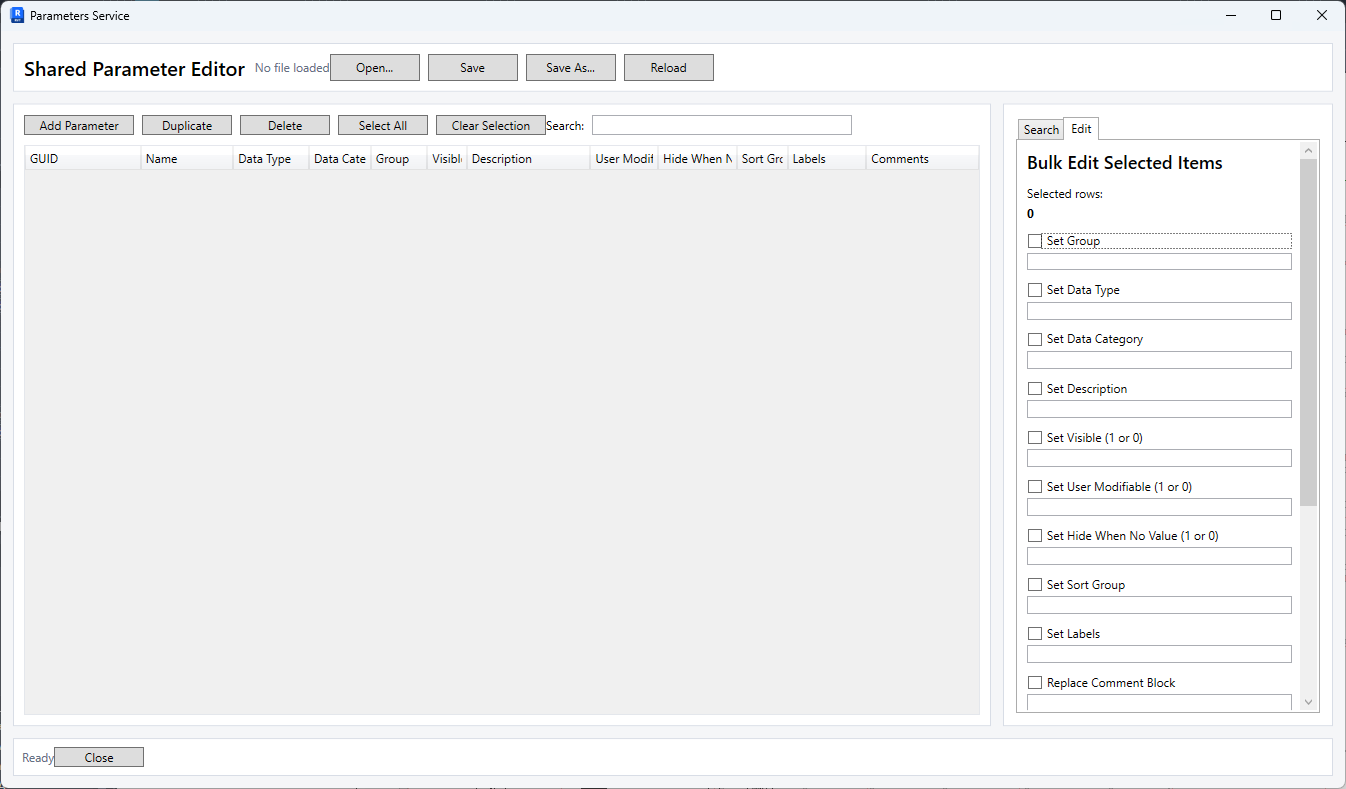
Just one of those small things I thought I’d share…
For those not using Revit’s cloud shared parameter service, this is the format I’ve been using for my shared parameter files. I tend to hard code the SP data into my scripts. (Script>Temp SP File>Delete)
# This is a Revit shared parameter file.
# Do not edit manually. Ha!
# by Aaron Rumple, AIA
#Bindings: List all attached categories.
#Parameter Instance or Type, Group Instance or Type
*META	VERSION	MINVERSION
META	2	1
*GROUP	ID	NAME
GROUP	1	Default
*PARAM	GUID	NAME	DATATYPE	DATACATEGORY	GROUP	VISIBLE	DESCRIPTION	USERMODIFIABLE	HIDEWHENNOVALUE
PARAM	b0e38123-3a34-4c3a-951a-ba3c66aa1145	Width	TEXT		1	1		1	0
#Bindings: Rooms, Analytical Spaces, Areas
#Instance, Type
#Palette Group: Dimensions
Yes, I hide all SP data from the user. There is no external SP file or other SP external data for any of the scripts I write. The scripts always change to a temp SP file, writes the needed data out to the SP file, read it in, set it up based on the extra binding and categories. Delete the temp SP file and return the users original SP file settings.
Eliminates user error on SP loading or users changing, deleting the SP file. And I get consistent GUID’s across projects/families. What adsk’s cloud SP service is trying to do.
Unfortunate that we have to resort to such measures. You try to manage SP’s through Revit’s UI? It’s a pain. You try to manage them through the API? It’s like designing a self-driving car by building a robot that sits in the driver’s seat and works the gear shift lever with a mechanical hand.
Yes, ADSK should have expanded capabilities for bulk and automatic loading by now. They have kind of, sort of done that with the Parameters Service. But it is low and has limited functionality. Not much moe than what one could do with the couple of extra lines I put in my SP files…
Hummm. Maybe I’ll have to recreate their services dialog for use with local SP files. That could be handy.