Hi everyone,
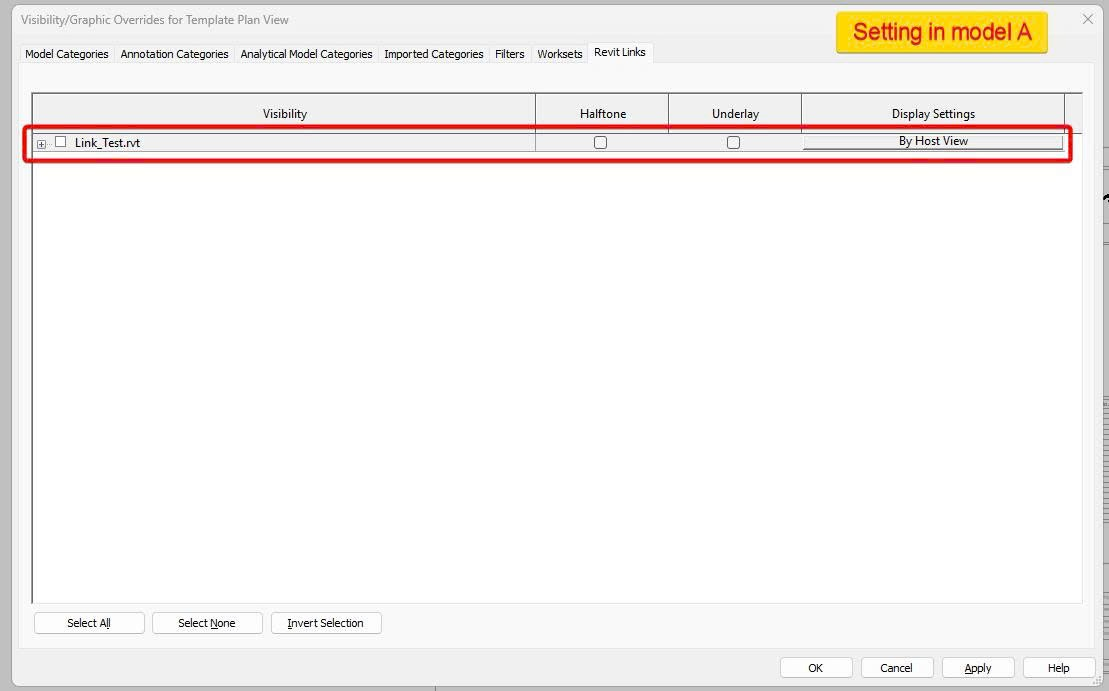
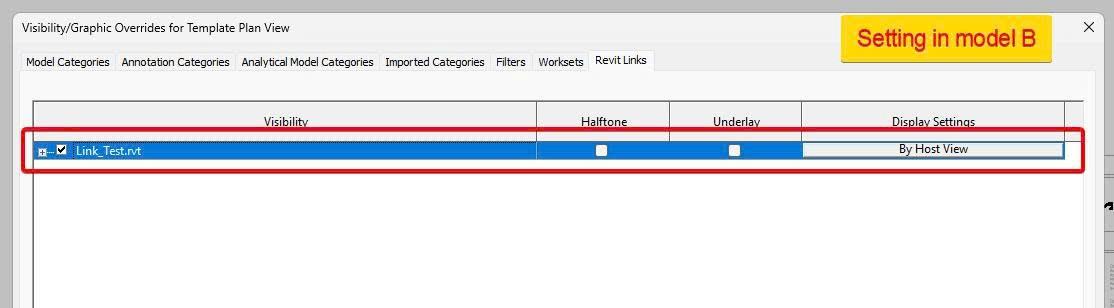
How can I copy the settings (visibility, halftone, underlay, display settings) of a linked file from one view to another? For example, I have two Revit models, A and B, and both of them have the same linked file, Link_Test (in a real project there could be many linked files). In model A, I’ve already created a view template and configured everything. I then transferred the view template from model A to model B, but for some reason all the linked files in model B are always turned on.
How can I preserve the link settings exactly as they are in model A?
I’ve read through Can i copy RVT Link Display setting by Revit API? - Revit - Dynamo, but maybe I didn’t use the SetLinkOverrides method correctly, so I still haven’t been able to make it work.