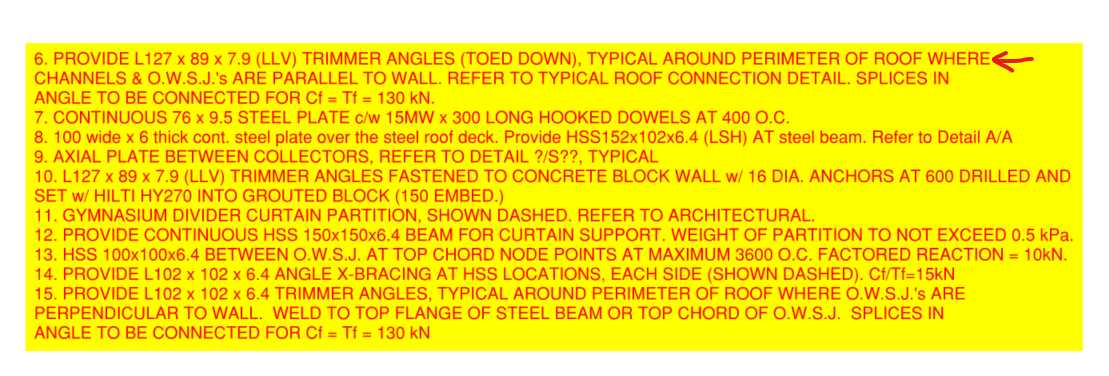
I copied text from a colleague’s markups in a pdf and pasted them into the pyRevit keynote manager, but only the first line of text would actually paste. This screenshot provides an example – when I copy the entirety of note number 6 and paste it, the pasted text terminates after the end of the first line (after “WHERE”).
It would seem to be the fault of a particular character appearing at the end of each line, probably a line break. Unfortunately, working with pdfs getting marked up by engineers, this kind of text is the norm. Of course I can copy each line one at a time, or paste the entire thing into something like Notepad++ and delete the line breaks there, but it would be useful if either all those line breaks were retained (and thus the entirety of the copied text), or (and this could perhaps be made optional) replaced with a space character during the paste operation.
If it would be helpful, I can provide a pdf to use for testing…