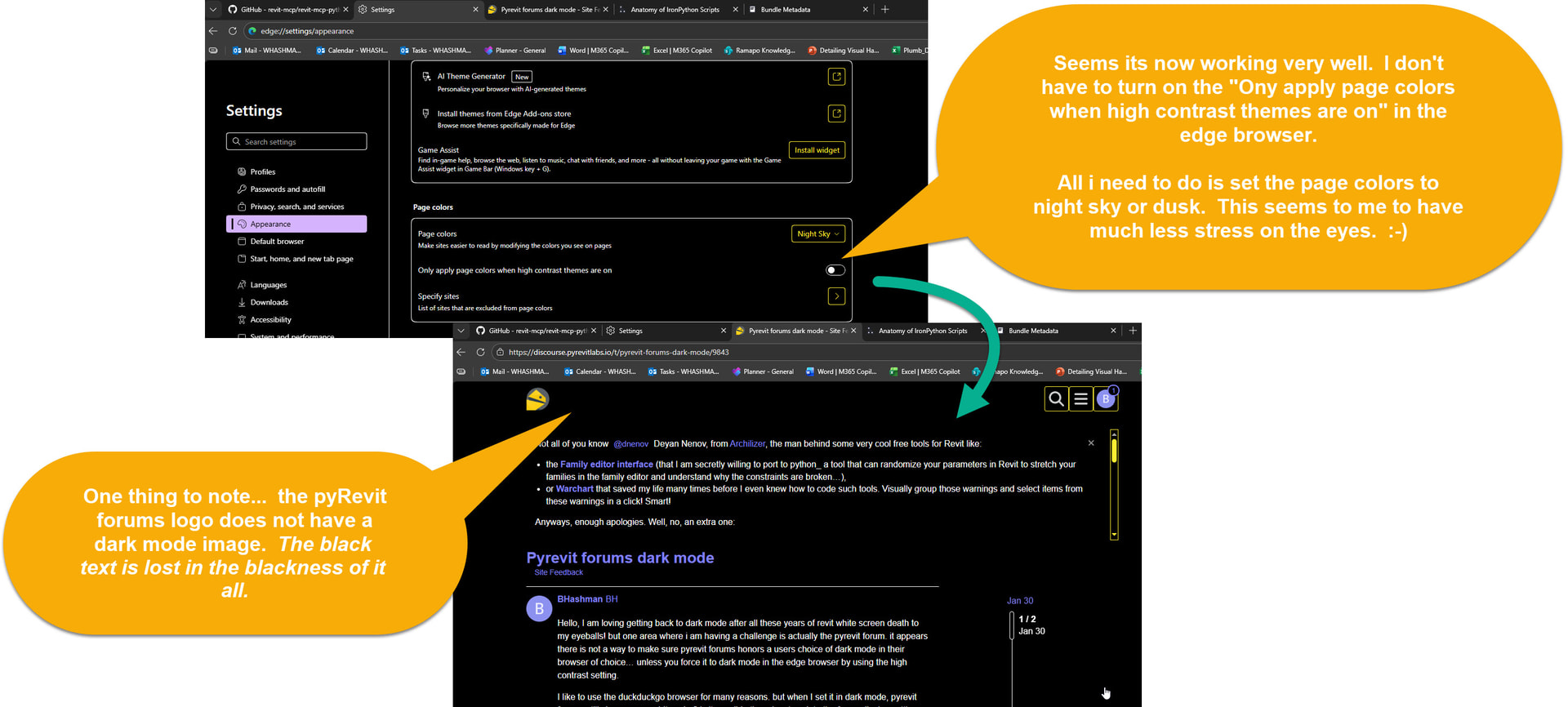
Hello, I am loving getting back to dark mode after all these years of revit white screen death to my eyeballs! but one area where i am having a challenge is actually the pyrevit forum. it appears there is not a way to make sure pyrevit forums honors a users choice of dark mode in their browser of choice… unless you force it to dark mode in the edge browser by using the high contrast setting.
I like to use the duckduckgo browser for many reasons. but when I set it in dark mode, pyrevit forums still shows up as white. why? is it possible there is a tweak to the forum display settings that will allow the forum pages to show up as dark mode in various browsers when a user selects the simple dark mode in their browser of choice?