PyPiPie Shell is growing up. Integrating AI. First test - works!
Uses 3 MCP options right now. First looks for an existing 3rd party MCP (like our office), then uses pyRevit MCP and if all fails runs its own MCP (which might get removed later depending on testing.)
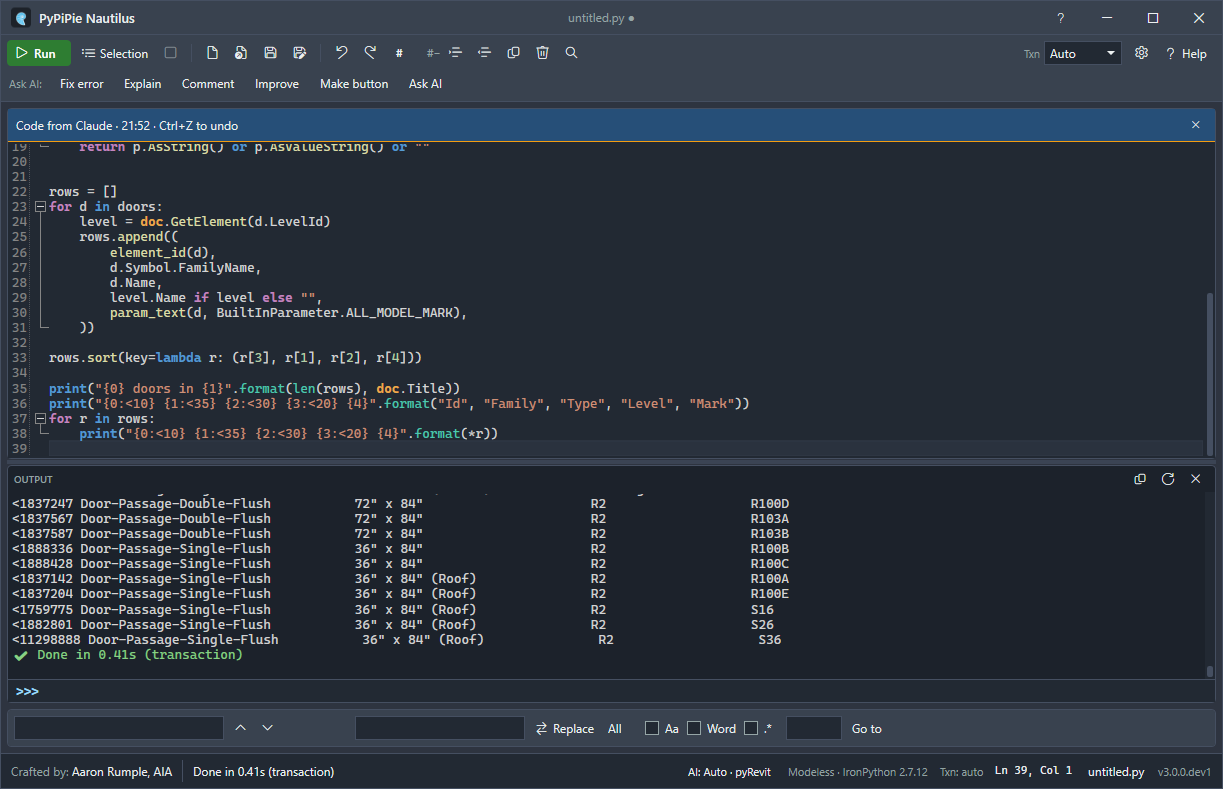
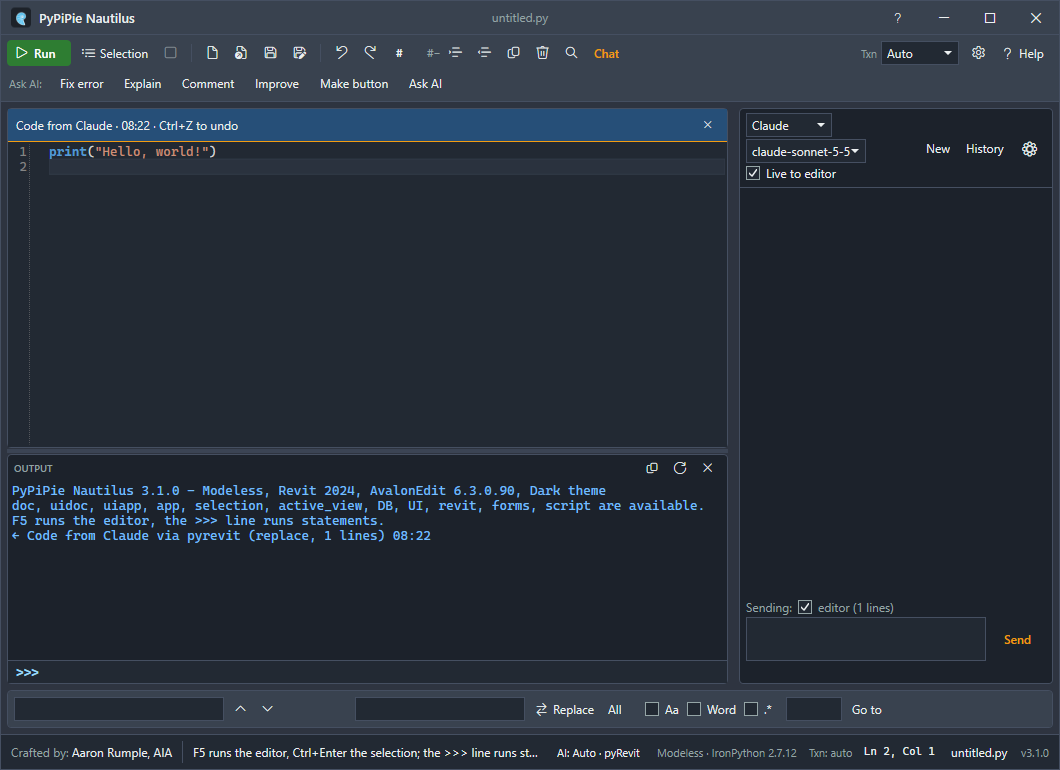
First full feture working version of Gary…
https://www.youtube.com/watch?v=mfQqU8JKuuU
And the new way to make help files.
For the API-key cost, I’d make the Claude Desktop path optional and default to the office/pyRevit MCP route when available; if a key is present, read it from an environment variable or OS credential store rather than the panel. Keeping Gary’s own MCP behind a config flag also lets you test it without making paid keys the standard setup.
MCP navigation is built in.
- First it looks for a running custom MCP (like the one our office has rolled out).
- Then it looks for the pyRevit MCP. Which might not be there if running an older version of pyRevit.
- Only then does it resolve to Gary’s own internal MCP with options for ChatGPT (no kek), or systems using a key or whatever.
The available settings should let you configure numerous provided in different ways. Methods of connecting an MCP is a moving target right now. I needed to run through all that since we have 5.3 on wide installation and are now only rolling out 7 for testing. (At home I run 7 and Claude. Work is ChatGPT.)