I always liked Revit Python Shell, but maybe it gets updated, maybe not. And it isn’t in our kit of tools at my current gig. And sometimes you don’t need a whole button.
So here is one sitting on top of pyRevit. Modal, so you are a bit limited. But no need to do the basic imports. doc, uidoc, app, uiapp and DB * as they are ready loaded. The good thing unlike RPS, is this is sitting on pyRevit so there shouldn’t be any needed changes between this and a full script..
Seems to work fine… But it is only a day old. I’ll probably fuss with UI.
PyPiPieShell over on GitHub.
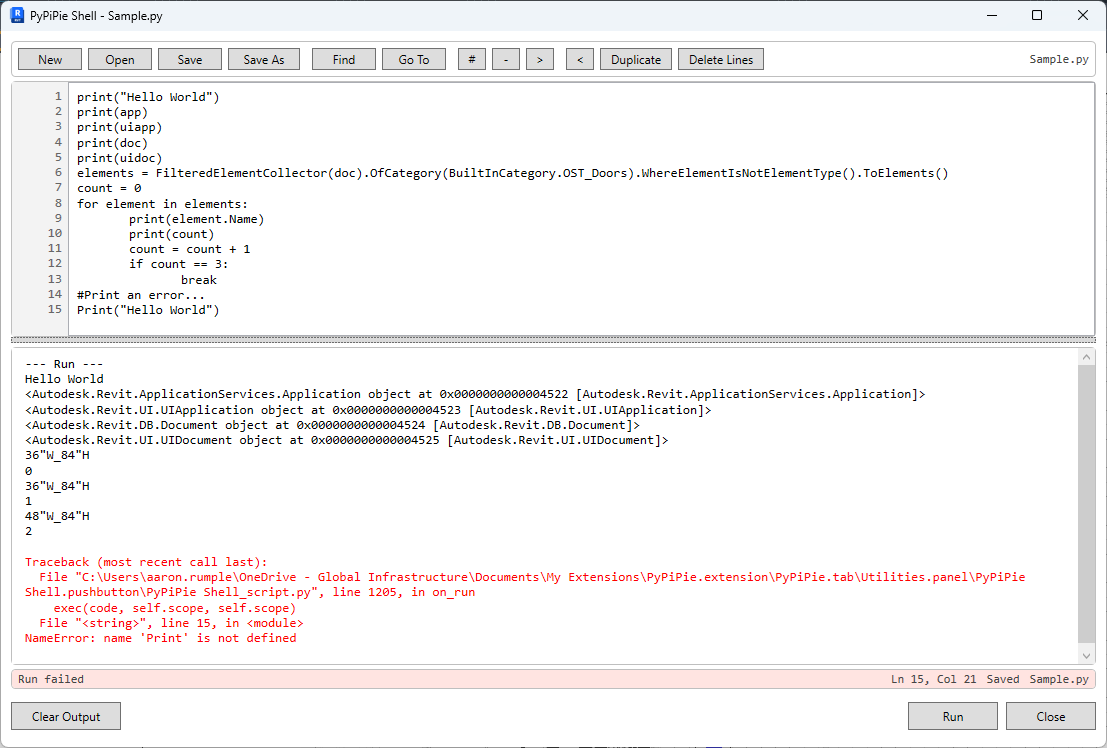
Had it working - then added bunch of features and broke it.
Patching it back together. Stay tunded.
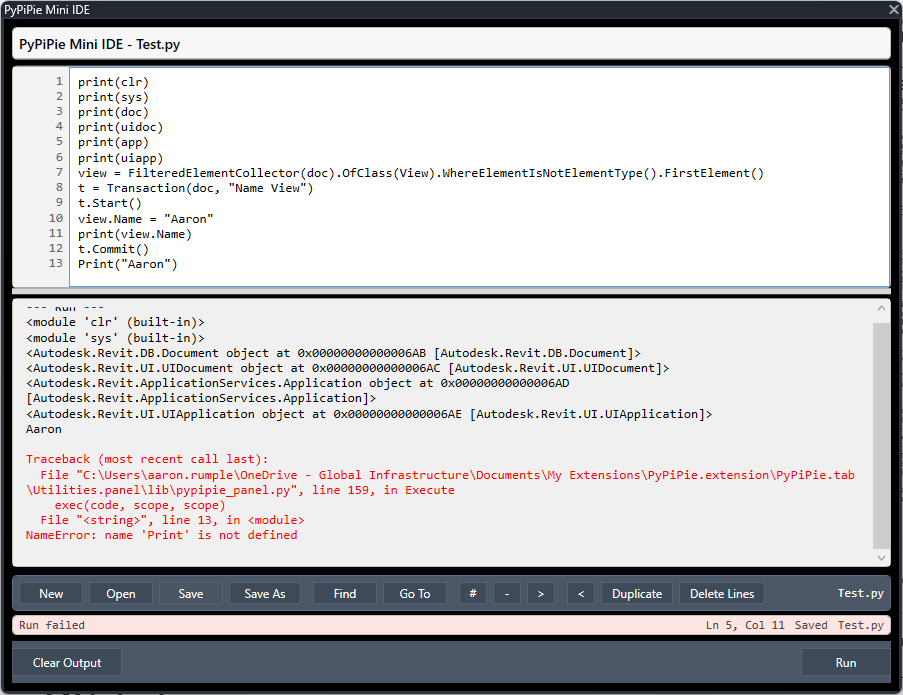
Cool stuff.
It just misses color coding, auto complete, start, stop, break points  autosave, …
Joke aside, pretty cool stuff!
Drop the url here
Jokes? The auto complete is on the ro-do list. Hadn’t thought of break points, but that shouldn’t be be too hard. It is supposed to jump to the line from traceback, but that’s not working yet. Have one small issue with transaction handling, but know what the fix is. Soon as I get that fixed, I’ll post a link
Easier to throw a wishlist than actually making it
Haven’t looked. I have Revit stubs, python stubs… Are there pyRevit stubs?
There is a stubs builder in the tools.
Also @ErikFrits made a package out of Pyrevit stubs not long ago. I haven’t tried it.
You don’t need pyRevit Stubs. Just point to pyRevit master’s library folder where you can see all folders with packages and IDE will read all of it.
I simplified the stubs by making a package. You can get it with:
pip install pyrevit-stubs-26 (works for 21-26 versions, 27 will be added later…)