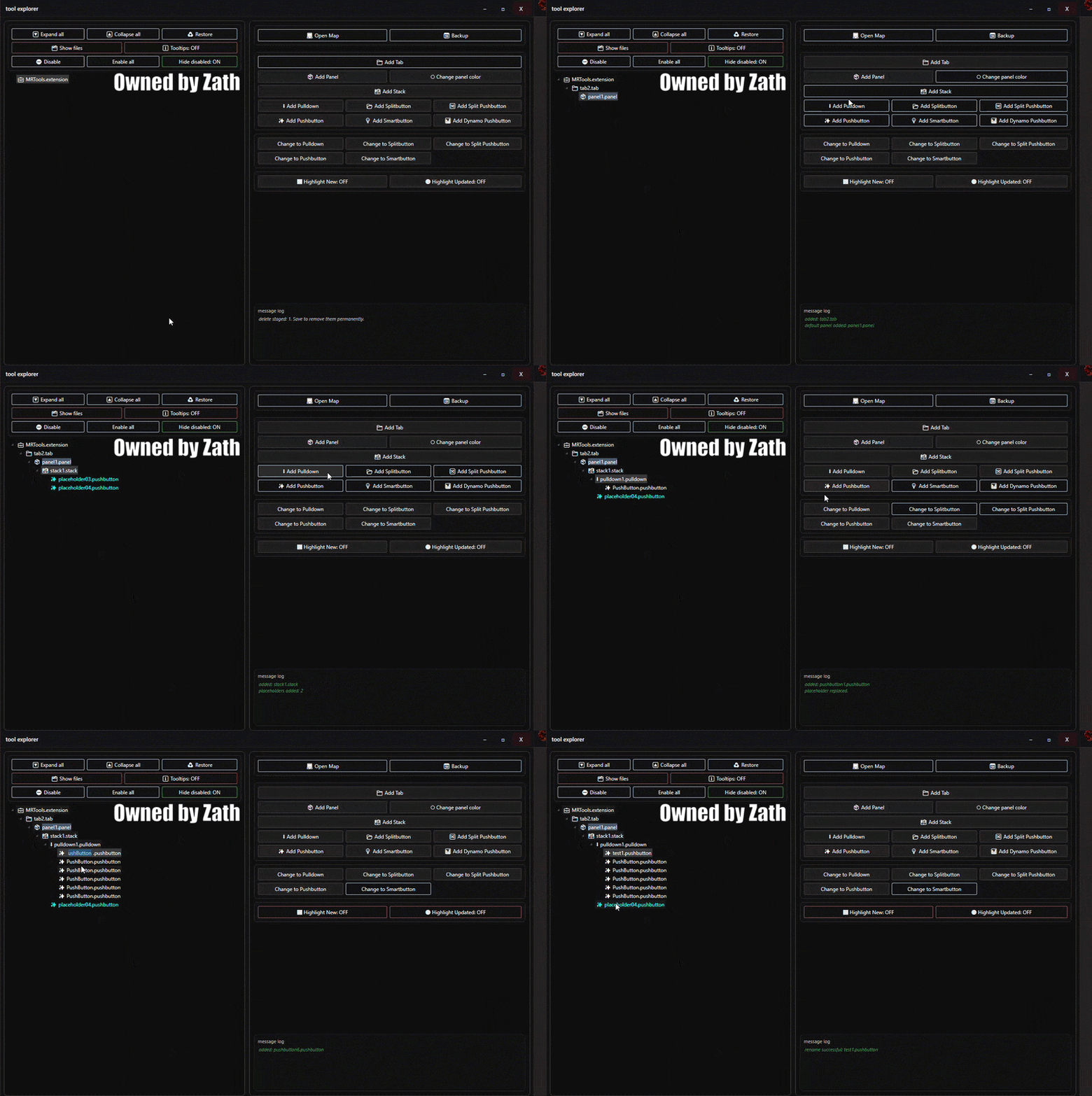
I’d like to share a tool I’ve been working on for about a year now, and I’d really love to hear what you think. I call it Tool Explorer
It has gone through a lot of iterations over time, and I’m now at a point where I’d like to show it to others and get some honest feedback.
If there’s enough interest, I’d be happy to share it with the community. I’m also very curious to hear whether you see opportunities to improve or optimize it further.
Thanks in advance for taking a look — I’d really appreciate any feedback, suggestions, or ideas.
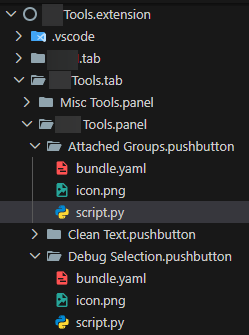
Is this for tool development? What does it do? I see it lists the folders/files for a pyrevit extension but how is that any different than the explorer in VSCode for example?
I intendend this tool for general pyrevit users, that like to create easy and fast buttons /tabs within Pyrevit. So basically every developer.
I haven’t tried the Explorer tool with VS Code, but so far this tool gives you almost everything you need to create buttons, with the limitations. It also comes with pre-made stacks, panels, and other elements. What I like is that it already takes some pyRevit rules into account. For example, it knows that a stack can only have a maximum of 3 subfolders or that some stack setups need at least 2 subfolders. Just to name a few examples.
Oh that would be very helpful! I have just been manually creating them. I think there is a pyrevit dev tool extension that also creates the folders but I don’t think it lists how you have shown.
Just for context, VS Code explorer just happened to look similar to what the Tool Explorer has formatting wise so that’s why I used it as example. It doesn’t have anything like what you were describing to help with creating the correct syntax for stacks, panels, etc that will be recognized by pyrevit.
Thank you for your response. I haven’t seen this builder before, it looks very convenient. I’d like to show you the tool I’ve created which reads the explorer extension. It gives the opportunity to edit the explorer immediately. Here is a video showing how it works.
I can’t wait to give it a go just in time since I am tinkering with everything going from Revit 2023 to Revit 2026. With this I can definitely see the value in it (I had some fat finger moments with manually creating them)
Zath How can I get the link to try it out? Is it just a Git URL: path or a download from Github EXE installer?