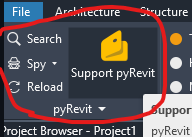
I had a colleague install pyRevit 6.53.26176 (he tried 7 but ran into issues because our IT team hasn’t whitelisted version 7 yet). After a clean install, mysteriously the leftmost section of the pyRevit panel isn’t appearing. He should see something like this:
but instead sees this:
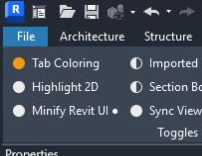
His screen resolution is more than enough, and stretching his Revit window to be longer in the horizontal dimension doesn’t help.
Prior to this, he’d has some problems with an older version of pyRevit, so after following some chatgpt suggestions to clear files in some appdata folders, he uninstalled pyRevit and then made a clean install – well first he tried version 7 and when that didn’t install he installed 6.53.26176.
Any suggestions welcome!
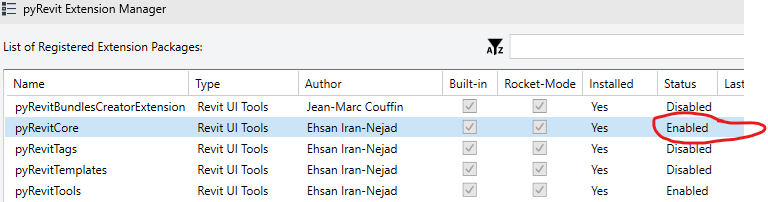
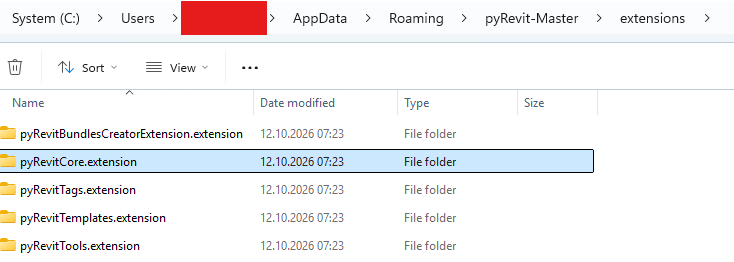
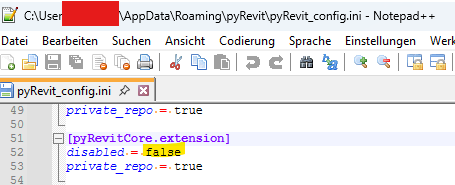
 Thanks for the help!