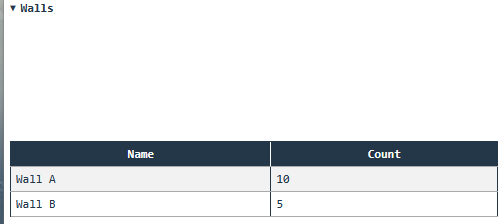
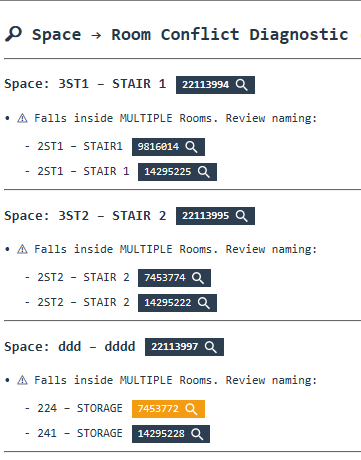
does the output console support expand/collapse?
if so, what would be the way to do it? I have a long list reported out by levels, and instead of scrolling up and down, i would rather expand/collapse. if possible.
This AI solution works, but only if you open the output in your browser via:

If you think this is feature worth adding, feel free to make an issue on the github, maybe someone will pick it up.
from pyrevit import script

output = script.get_output()

data = [["Wall A", 10], ["Wall B", 5]]
columns = ["Name", "Count"]

html = """
<details>
<summary><b>Walls</b></summary>
<br>
<table border="1" style="border-collapse:collapse;">
<thead>
<tr>
"""

for c in columns:
    html += "<th>{}</th>".format(c)

html += "</tr></thead><tbody>"

for row in data:
    html += "<tr>"
    for cell in row:
        html += "<td>{}</td>".format(cell)
    html += "</tr>"

html += """
</tbody>
</table>
</details>
"""

output.print_html(html)