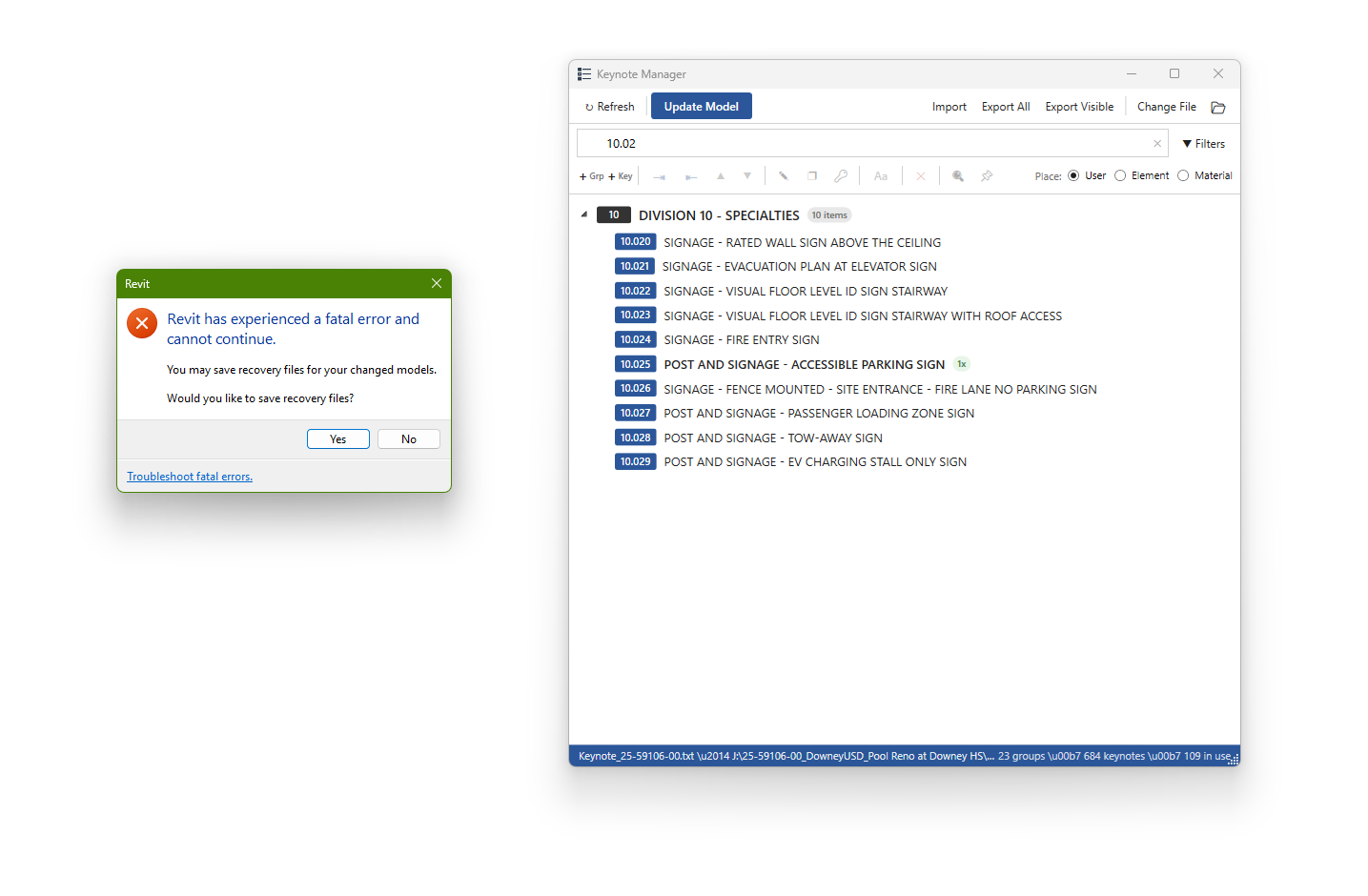
I have 2 users that the Keynote Manager would crash on them while they try to access it. It happens about 25% of the time. This is using the new 6.4.0 version, admin deployed. See the error message below. I myself have the 6.4.0 and have not had a crash yet using the Keynote manager. I don’t know if this would be related but some users are using an older version of the keynote manager as i have not been able to deploy it to everyone, but old version does not crash only the new version. Edit, We are using Revit 2026.4
The latest wip may help with that, @tayOthman did fix a few things
@ja92373_SGH This error was .Net crash due to conflict between external events. It is fixed in the latest WIP. please download and test it out.
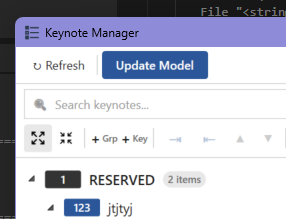
any chance of adding a collapse all/ expand all feature?
It shouldn’t be that hard, let me xaml it.
Thank you for the reply, sorry for getting back later. Been busy here at work. The users that were having the issue went away. We think it may have been that one of the other users was using an older pyRevit at the time. I have since updated everyone to use the same version. I have to deploy my software and updates using PDQ Deploy as we do not have access to the Servers intune or CLI for deployment. I have downloaded the latest WIP and will look at that later this week. As mentioned by rafarl-Marquez it would be nice to add collapse all / expand all as currently when opening the keynote manager its all expanded. Thanks again for the replies, i know pyRevit and its extension add-ons has helped make things easier in Revit in our office.
Glad you got everyone on the same version. What you hit (mixed pyRevit versions across users) is the most common source of “random” crashes in admin-deployed setups, so worth locking in. Since you’re on PDQ without Intune or server access: pyRevit’s own CLI (the pyrevit.exe that ships with the installer, runs locally on each machine, nothing server-side) has a clone + attach flow that pins one exact version org-wide, so drift can’t reappear after the next update. You can wire it into your PDQ package so the update is all-or-nothing. Happy to share notes if useful.
Implementing expand/collapse in my tool. Thanks for showcasing keynote ui 