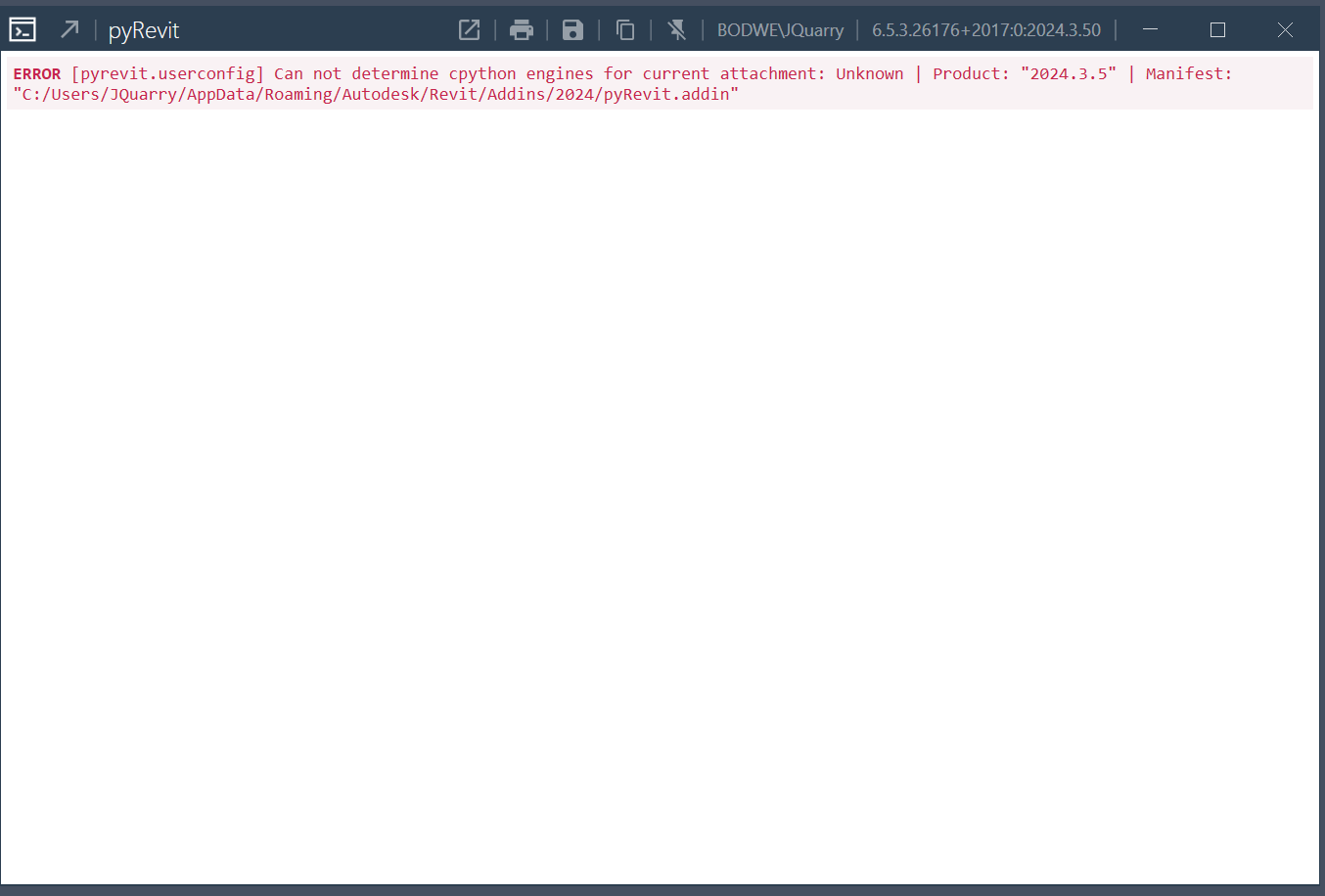
I am having this error in all versions of Revit for pyRevit 6.5.3.26176. It is keeping pyRevit from showing in any of my Revit ribbons. Any ideas?
Is this a .net issue you think?
Update: I am NOT seeing this in Revit 2026 and pyRevit shows in the ribbon. Revit 2023 and 2024, the error pops up and no pyRevit ribbon tab. FYI
Try
pyRevit attach master default --installed
In the command line
I will give that a shot. I did see that somewhere else as well.
I tried it an dthen followed this link information:
Attachements did not show master at all, so I went thru the rest of the steps. Pyrevit clones now shows master | Branch: “master” | Version: “6.3.0.26091+2238” | Path: “C:\Users\\AppData\Roaming\pyRevit-Master” but Attachments still does not list it.
Do you have any other ideas @Jean-Marc ?
Maybe a clean uninstall and reinstall has to happen next? I really hope not as I have all my extensions installed for the versions of revit that it is working in.
If you see the clone listed, then
This should be the last step
pyRevit attach master default --installed