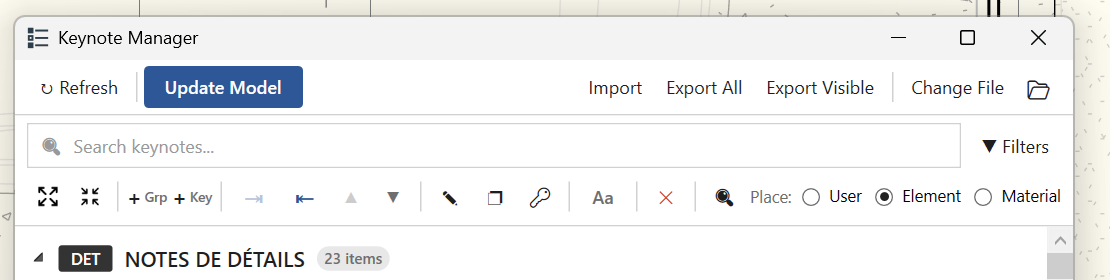
Probably a stupid question, but I was using the old version of the keynote manager and normally I would just double click on a keynote and then it would switch to my drawing where I could put my notes and then click escape and repeat the process over and over.
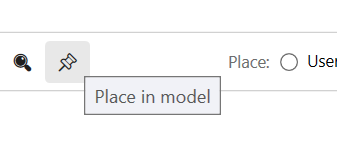
Now since the update, if I double click a note it opens the editior. How are we supposed to put keynotes in the drawing other than using the Revit built-in tool?
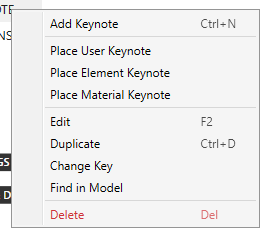
Claude made quick work of adding a right-click menu to my Keynote Manager. It has worked well for my co-workers and me so far. I’d be happy to share the altered Script and XAML file with anyone else.
@dipti12345 please send it to me I will incorporate it and I will try adding the shift+click toggle, glad to make changes to make the experience better for everyone and luckily, I have Claude too,
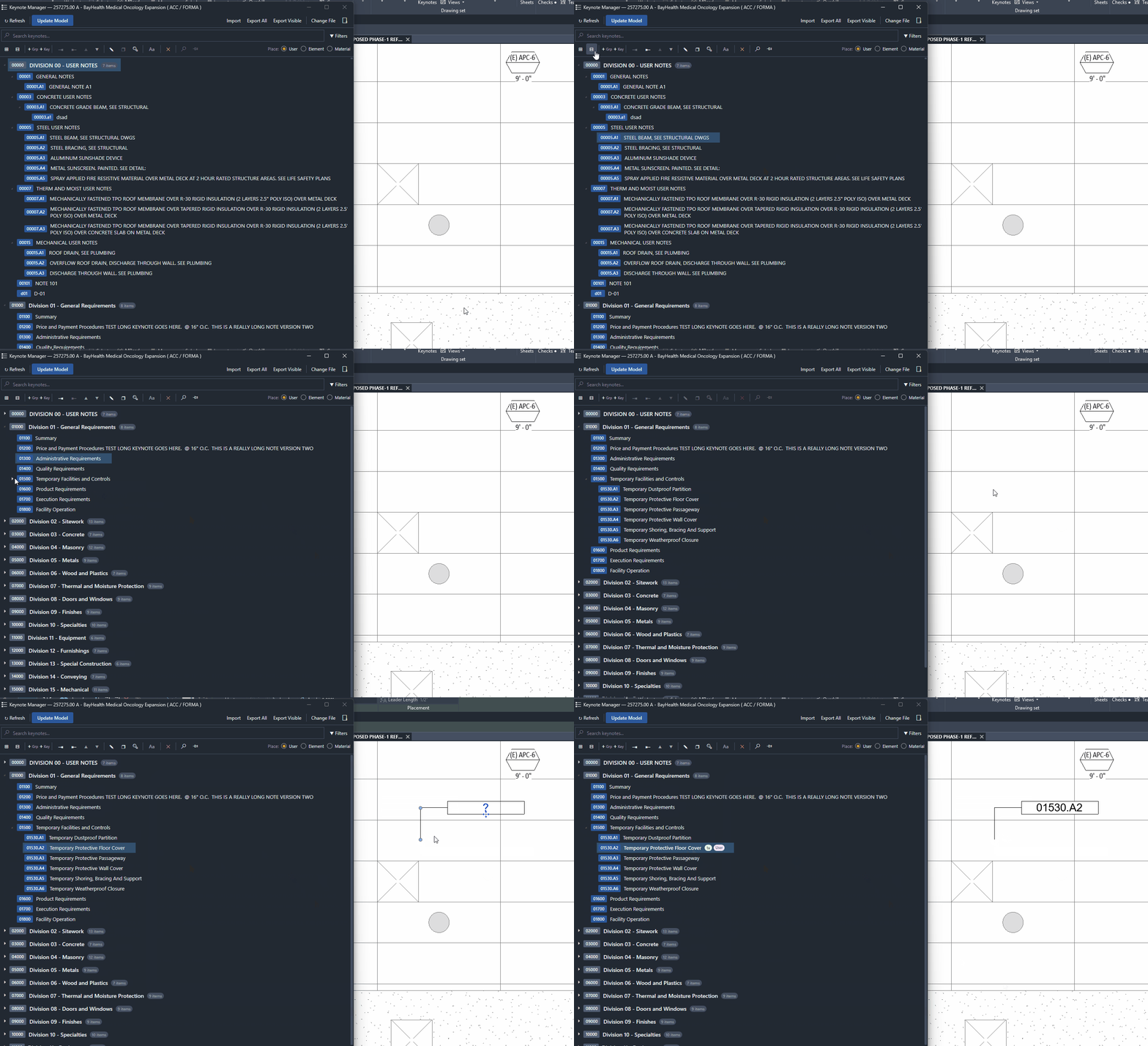
One item that has become rather annoying when moving to the new Keynote manager in revit 27, is that all the Groups keep opening each time you add a keynote or edit one. It makes it rather hard to easily adjust and add notes on a large project when 400 notes expand each time. Please consider adding a feature filter by groups to isolate a category when working within it.
thank you for your feedback. I did a major overhaul on the UI behavior earlier this week. can you download the latest WIP and test the drag/drop for placement?