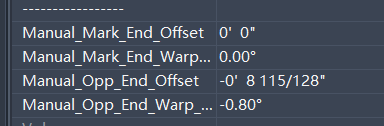
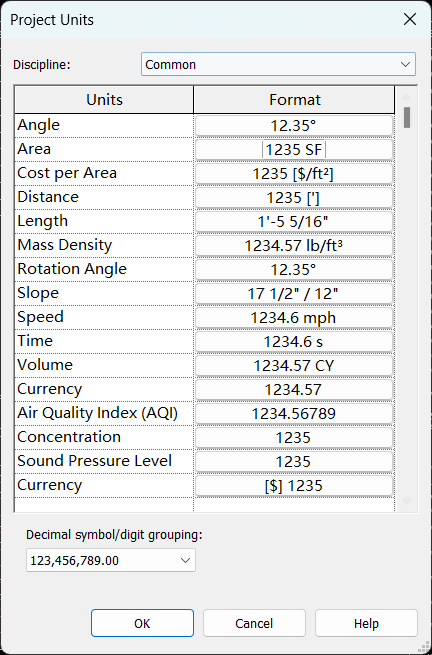
Hey, I’ve run into a small question and wanted to ask for some advice: I used the XLS Export function, but all the data in the exported Excel file comes out in metric units (e.g., millimeters, square meters). However, my Revit model is clearly set up in imperial units (feet, square feet).
Is there a default setting for this function, or did I miss a step somewhere? Is there an option to switch the units during export?
I’d really appreciate any pointers when you have a moment. Thanks!
if param_val.StorageType == DB.StorageType.Double:
    forge_type_id = get_parameter_data_type(param.definition)
    val = param_val.AsDouble()
    if forge_type_id and DB.UnitUtils.IsMeasurableSpec(forge_type_id):
        unit_type_id = param_val.GetUnitTypeId()
        val = DB.UnitUtils.ConvertFromInternalUnits(
            param_val.AsDouble(), unit_type_id
        )