Unrelated to original thread: I managed to fix my errors, had to remove the dev clone completely and set it up again using CLI 6.4.
I guess someting was cached that I could not pinpoint. 
Unrelated to original thread: I managed to fix my errors, had to remove the dev clone completely and set it up again using CLI 6.4.
I guess someting was cached that I could not pinpoint.
Right now I’ve got older versions: R25.4 and R26.4
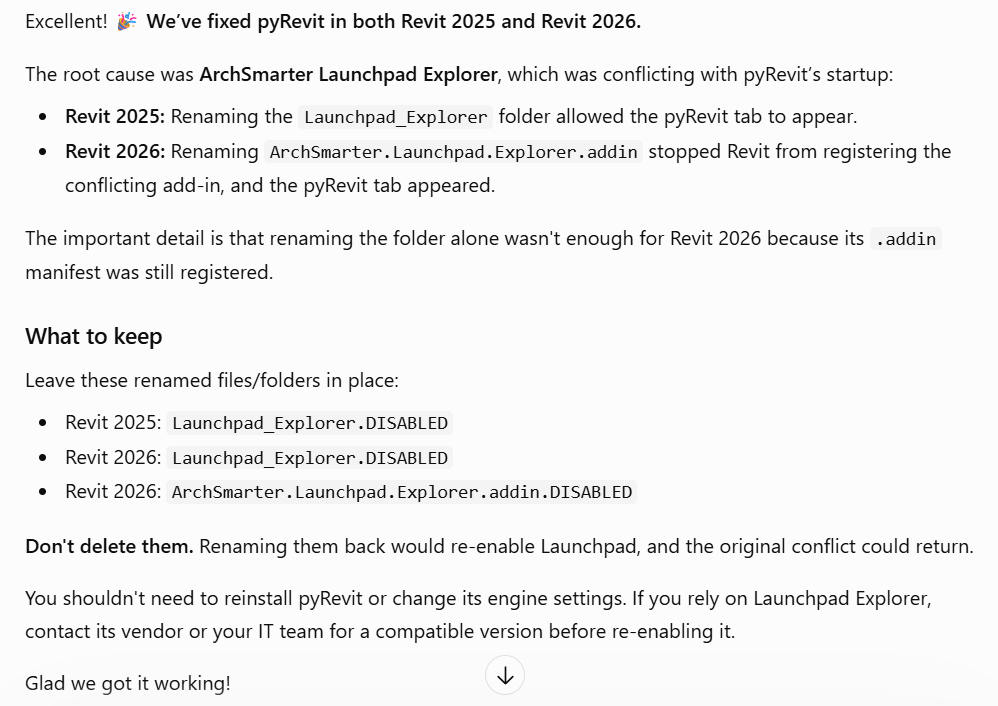
Weirdly enough, I still had ArchSmarter installed in 25

If I understand the IT guy correctly (my interpretation), he said pyRevit and another program/add-in were looking for/to use the same file at the same time, and they can’t use them simultaneously. He also said that Autodesk has no plan to fix it for 25/26, but Revit 27 has the ability to find/use older versions so there won’t be a conflict.
I opened R27 and pyRevit does not load in R27, which it did before. I’m assuming it’s because as you said, the older version of pyRevit isn’t compatible.
You mention a new loader, is that in Revit or pyRevit?
New Loader is part of pyRevit 6+, you can disable it in the settings. It speeds up loading time. Starting pyRevit 7, the old loader will (very likely) no longer be available.