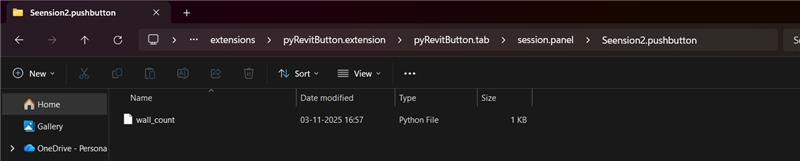
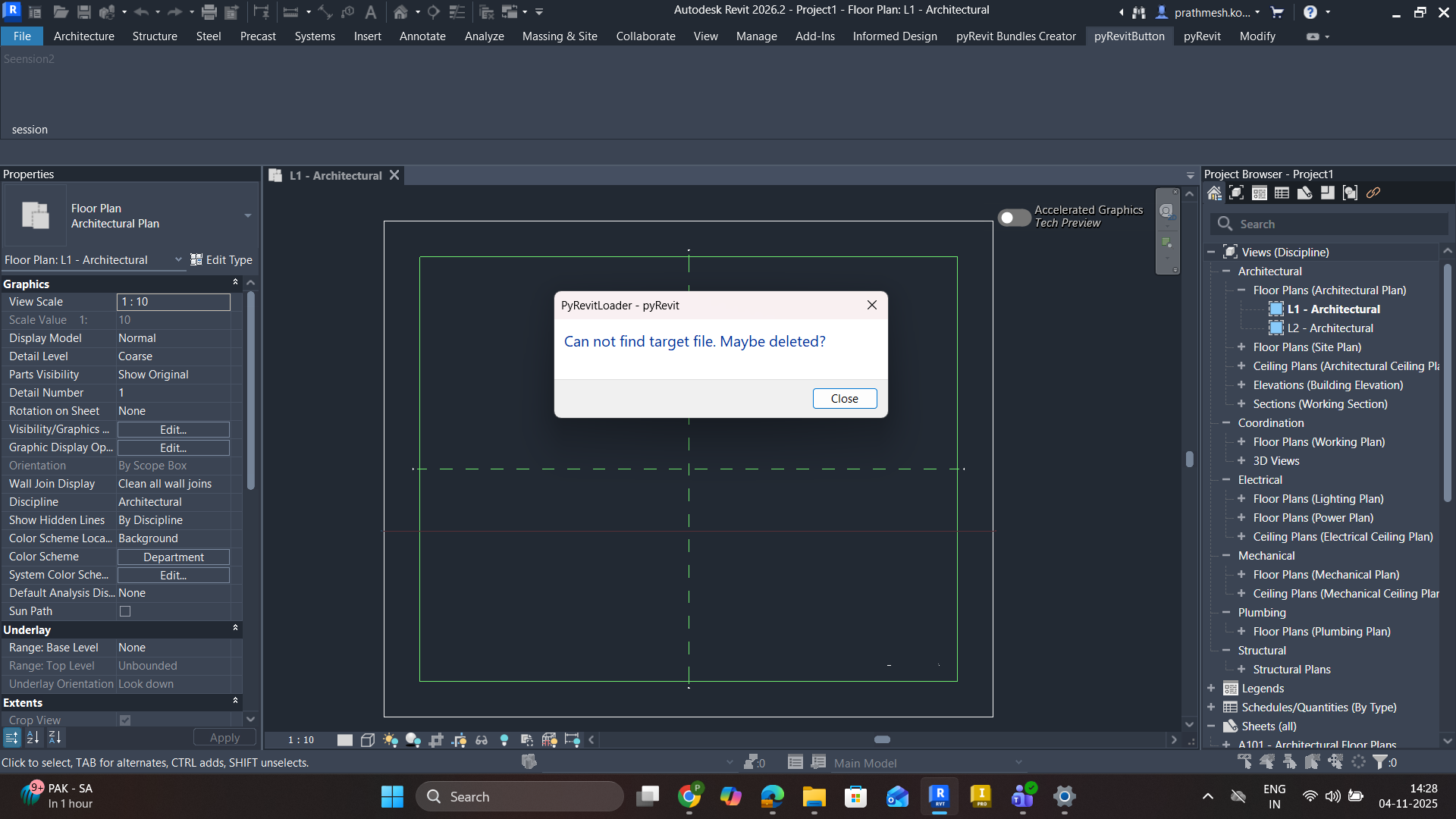
This issue belongs to the pyRevit Add-in Development / Extension Troubleshooting category. It typically occurs when pyRevit cannot locate or load the Python script linked to a custom button. The error “Cannot find target file. Maybe deleted?” indicates that the button’s configuration or folder structure does not correctly reference the target
.py file. Common causes include incorrect folder naming (e.g., missing .pushbutton suffix), misplaced script files, or typos in the file path. The solution usually involves verifying that the script file exists in the correct pushbutton folder and matches pyRevit’s required directory structure.