I am trying to create a pyrevit script that will copy drafting views and sheets from one project to another. I started with the views but it doesn’t seem to be copying and I’m not sure whats going wrong.
from pyrevit import script, revit, DB, forms
from System.Collections.Generic import List

docTo = revit.doc

docFrom = forms.select_open_docs(title = 'Select a document', button_name = 'Select', width = 500, multiple = False)

if not docFrom:
  script.exit()
elif docFrom.IsFamilyDocument:
  forms.alert("Must choose a non-family document", title = "Script Cancelled")

views = DB.FilteredElementCollector(docFrom).OfCategory(DB.BuiltInCategory.OST_Views).WhereElementIsNotElementType().ToElements()

eles_unsorted = [v for v in views]
eles_sorted = sorted(eles_unsorted, key = lambda x: x.Name)

class ElementToCopy(forms.TemplateListItem):
  @property
  def name(self):
    return self.item.Name

options_copy = [ElementToCopy(e) for e in eles_sorted]
eles_copy = forms.SelectFromList.show(options_copy, title = 'Select elements', width = 500, button_name = 'Copy', multiselect = True)

if not eles_copy:
  script.exit()

ids = [e.Id for e in eles_copy]
ids_copy = List[DB.ElementId](ids)
cpOpts = DB.CopyPasteOptions()
tfrm = DB.Transform.Identity

with revit.Transaction('Copy View Contents',doc=docTo,swallow_errors=True):
    DB.ElementTransformUtils.CopyElements(docFrom, ids_copy, docTo, None, cpOpts)
Start by removing the swallow_errors=True argument from the Transaction handler so that you get some error traceback.
You could also use the following method:
from pyrevit.revit import create
from pyrevit.revit import Transaction

with Transaction("transaction name", doc):
    create.copy_elements(element_ids, src_doc, dest_doc)
Thanks for the reply and examples. However, none of these seem to be what I’m looking for.
I want to copy the actual views from one document to another.
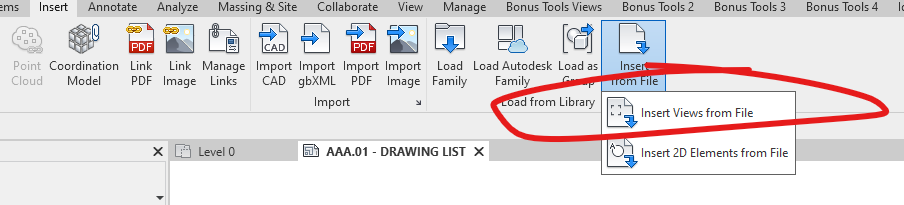
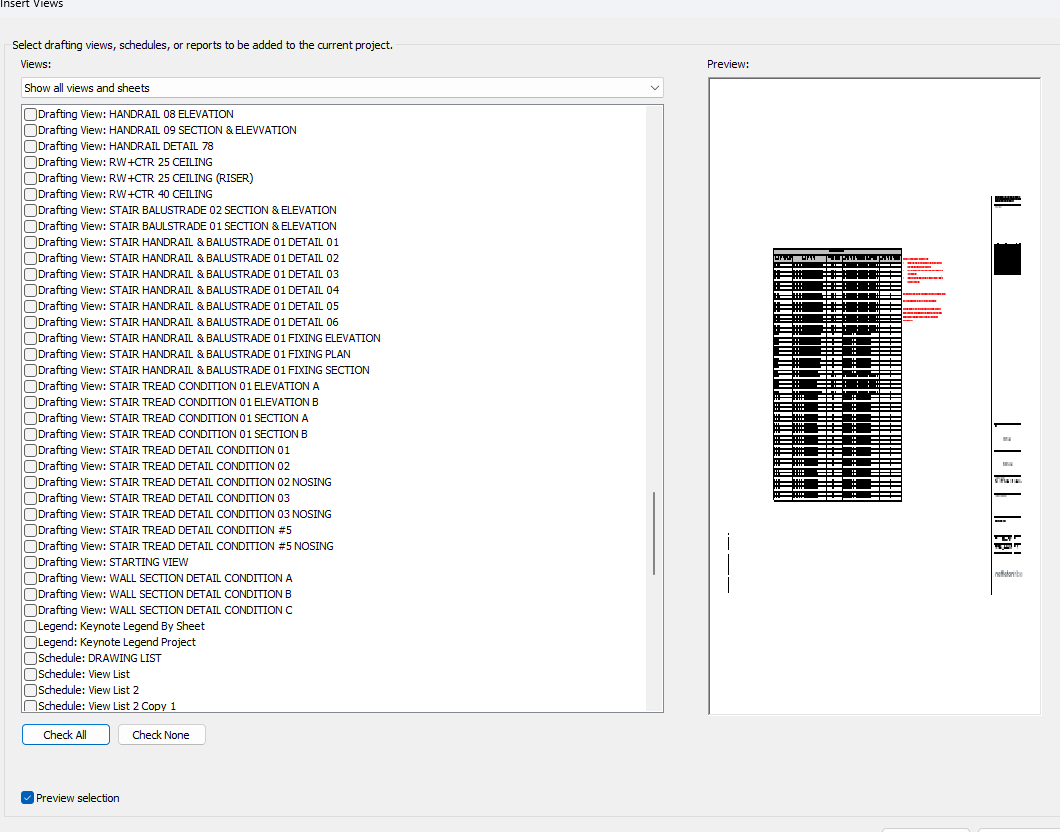
Something similar to this Insert button is already in Revit. But I don’t want the user to have to click and select the source file they want to copy across from. I want to make the source file static and then let the user choose which views they want to import from a list.
Thank you for taking the time to post about this. I am working on something very similar as well. Were you able to find the solution how to import the 2d views from another project into your current project?