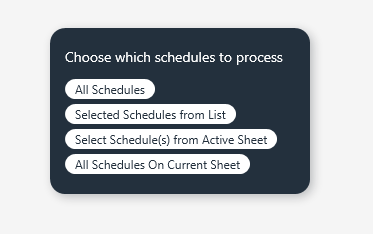
CommandSwitchWindow Width Control/Stack Options - How To?

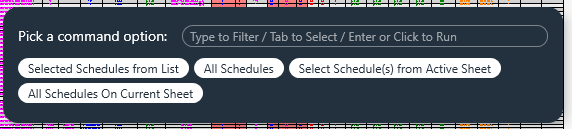
I really like using the CommandSwitchWindow over the Forms.list.

Is there a way to make the options show stacked instead of wrapping? I see that Width and Height are shown in

classpyrevit.forms.CommandSwitchWindow(context, title, width, height, **kwargs)

but not sure how to use it. it tried this
return forms.CommandSwitchWindow.show(
options,
message=“Choose action for marked schedule columns”,
width=320,
height=220
)
but did not do anything. I was initially trying to make the width more narrow to fake the stacking of the options. Suggestions?
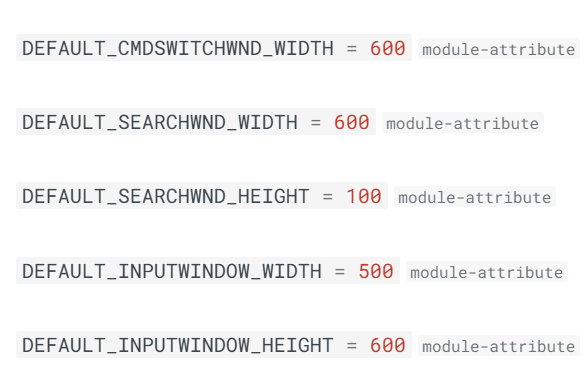
So I eventually came across this

and was able to implement like
def pick_schedule_scope():
options =

if is_valid_schedule(active_view):
    options.append("Active Open Schedule")

options.extend([
    "All Schedules",
    "Selected Schedules from List",
    "Select Schedule(s) from Active Sheet",
    "All Schedules On Current Sheet"
])

forms.DEFAULT_CMDSWITCHWND_WIDTH = 300

return forms.CommandSwitchWindow.show(
    options,
    message="Choose which schedules to process"
)

current downside is that you can’t see the the textbox for typing into.

1 Like