I am new here and not sure where to post this, but I wanted to express my appreciation for pyRevit and its unbelievable potential. I’ve been a Revit user for 20 years and a pyRevit Fanboy since 2020. When I became BIM manager and finally had a chance to create all of the buttons I wished Revit had, I went to town.
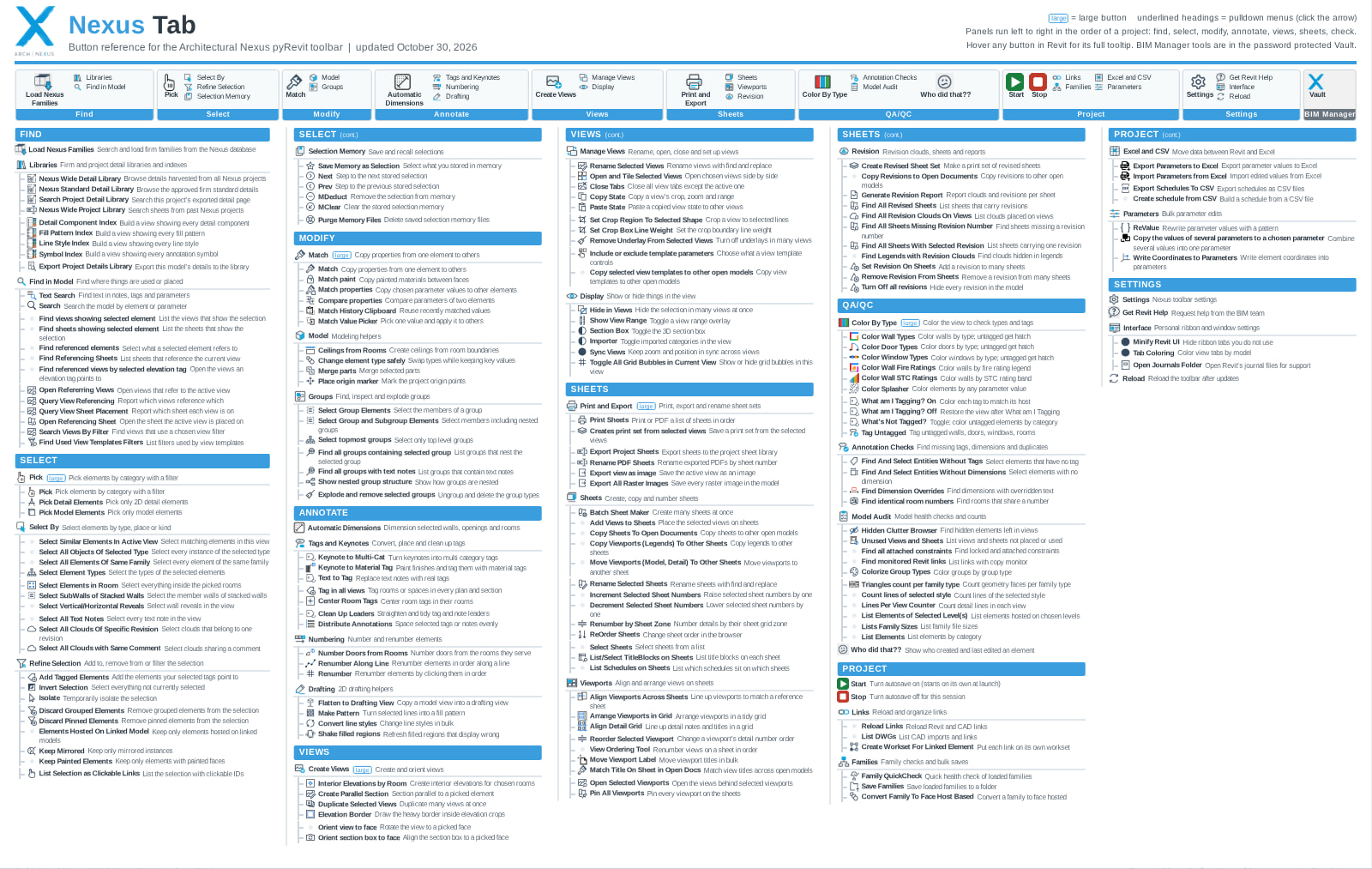
This is what I have created so far:
Details pull-down (resource center)
- Detail Component Index: Builds a browsable index of every detail component family in the model so staff can find the right component instead of drafting one.
- Fill Pattern Index: Generates a reference sheet of every fill pattern in the model, organized in a drafting view.
- Symbol Index: Generates a reference sheet of annotation symbols also organized on a drafting view for a visual inventory.
- Export Project Details Library: Exports the active live project’s section cuts and details to the project detail library. This is awesome for seeing an organized library and visually seeing what is actually in your project.
- Keynote to Multi-cat: Any detail component with keynote text is converted to a multi-category tag, and it writes the keynote information in the Type Comments.
- What am I calling this?: An index of all detail components with the multi-category tag attached so I can see what is called what in the model
Search pulldown
- Firmwide Project Library: Searches past projects for reusable content.
- Firmwide Detail Library: Searches every harvested detail across the firm.
- Standard Detail Library: Searches only approved standard details.
- Search Project Detail Library: Searches the details exported from the current project.
These are hosted on our server in thumbnails that can be viewed by a simple browser script pre-programmed in pyRevit
Testing pulldown (I am still ironing out some of these)
- Vault Unlock: Hides the risky tools until a BIM manager enters the password, once per Revit session untill they are ready for prime time.
- Merge Duplicate Details: Consolidates duplicate drafting views and details with a list of commands and decisions. It is gated because it is destructive.
- Production Phase Starter: Places standard dimensions and tags on the active view for whichever phase you pick: SD, DD, or CD.
- Code Checker (pilot): Reads the project’s decided clearance targets from a dashboard drafting view and checks stair and door instances against them. It checks consistency; it does not interpret code.
Other
- Color By Type pulldown: Colors elements in the active view by type for visual QC. When I say color my walls, it colors every wall and its associated tag and is a different color for each type so I can easily see what is on screen. It does this for detail components, walls, windows, doors, fire rating, and STC. It is faster than using a filter.
- Flattener (with Freeze View): Converts a model view(section cut) into a 2D drafting view. This has been on my wishlist for 20 years. One mode rebuilds cut and projection geometry as detail lines and filled regions. Freeze View keeps an unexploded DWG background and adds native annotation.
- Autosave: Saves only when the model has unsaved changes and after 3 minutes with no edits. The interval adapts to models that save slowly.
Not trying to show off; I am just excited about this tool!
Is there an easier way to get a list of user-created tools?
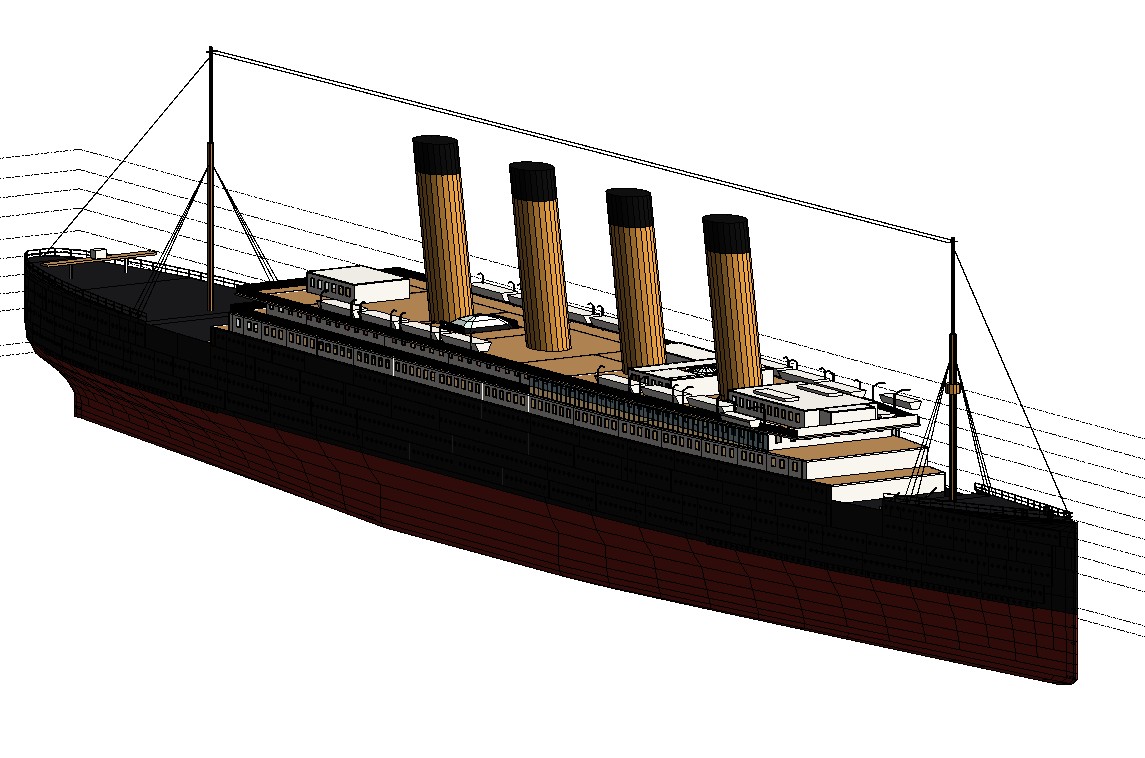
FYI, when pyRevit 7 came out, I used Claude to model the Titanic, and it blew my mind!